
GetNthClosestVehicleNodeWithHeading
Docslocal retval, outPosition, heading, totalLanes = GetNthClosestVehicleNodeWithHeading(x, y, z, nthClosest, searchFlags, zMeasureMult, zTolerance)Description
Get the nth closest vehicle node with its heading and total lane count.
If you need specific forward and backward lane counts use GET_CLOSEST_ROAD
enum eNodeFlags {
	NONE = 0,
	INCLUDE_SWITCHED_OFF_NODES = 1,
	INCLUDE_BOAT_NODES = 2,
	IGNORE_SLIPLANES = 4,
	IGNORE_SWITCHED_OFF_DEAD_ENDS = 8,
}
Parameters
| Name | Type | Description |
|---|---|---|
x | float | x position |
y | float | y position |
z | float | z position |
nthClosest | int | nth closest node |
outPosition | Vector3* | returned position of the found node |
heading | float* | returned heading of the found node |
totalLanes | int* | total lanes (forward + backward) of the found node |
searchFlags | int | Flags used when searching for a node, see `eNodeFlags` |
zMeasureMult | float | How strongly the difference in z direction should be weighted (defaults to 3.0) |
zTolerance | float | How far apart the Z coords have to be before the zMeasureMult kicks in |
Quick Snippet: Get CoordinatesxyzoutPosition
xyzoutPositionAdd this command to your client script to retrieve precise locations in-game.
-- Add this to your client.lua. Type /pos in-game to copy coords.
RegisterCommand('pos', function()
    local ped = PlayerPedId()
    local coords = GetEntityCoords(ped)
    local heading = GetEntityHeading(ped)
    local output = string.format("vector4(%.2f, %.2f, %.2f, %.2f)", coords.x, coords.y, coords.z, heading)

    print(output)
    TriggerEvent('chat:addMessage', { args = { '^4[COORD]^0', output } })
end)Vehicle Models
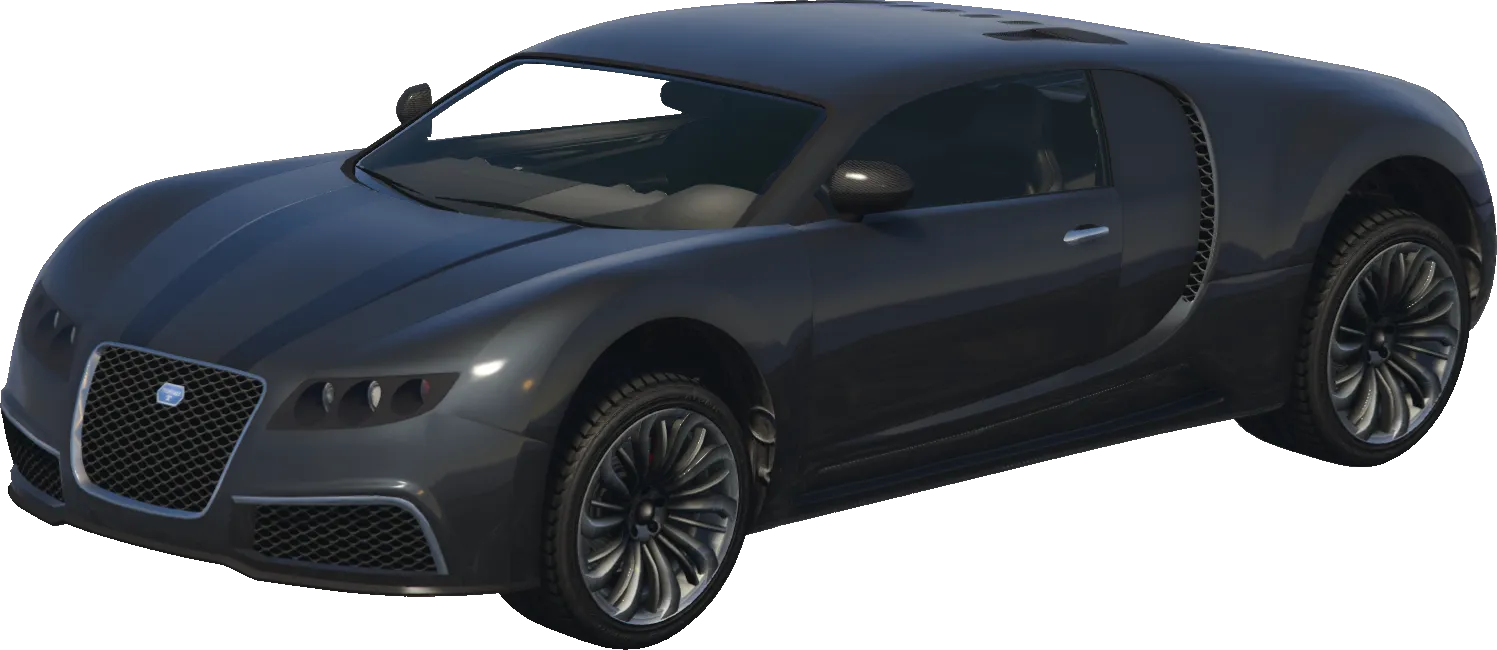
adder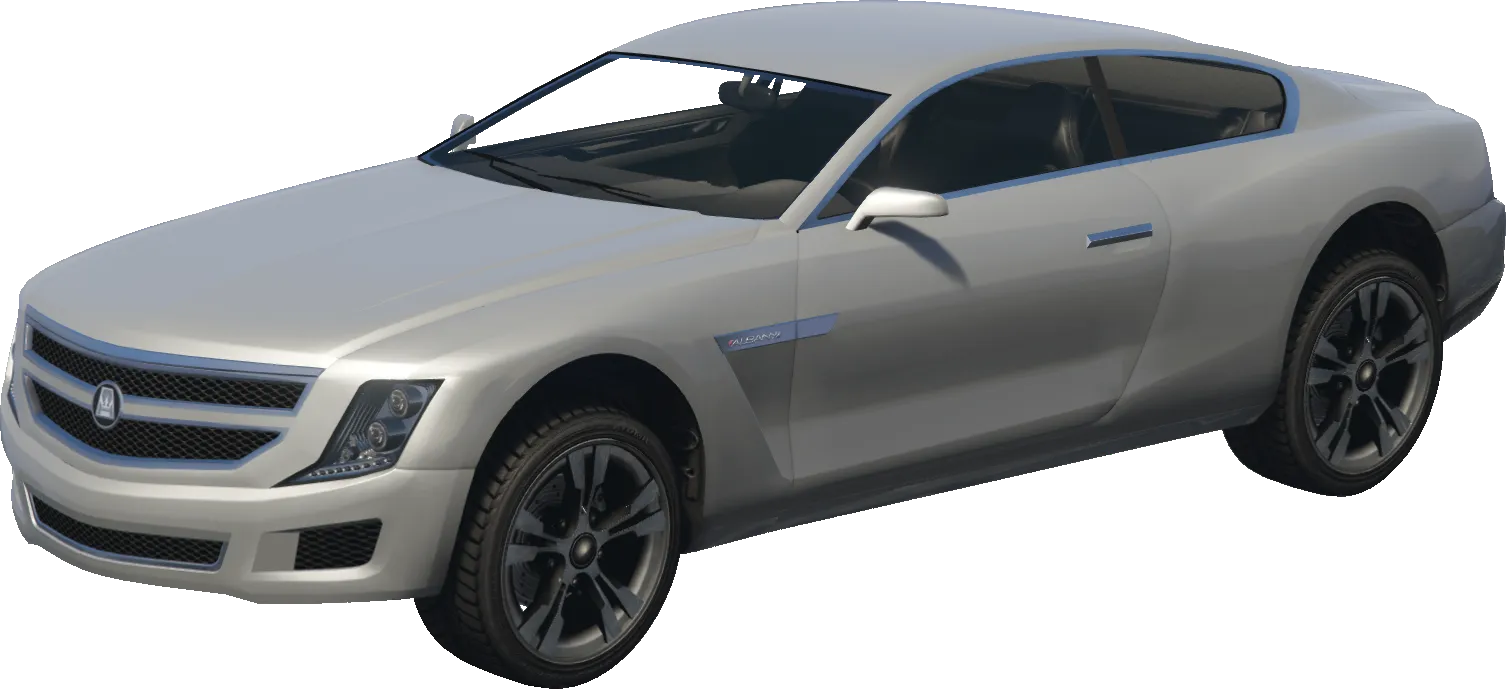
alpha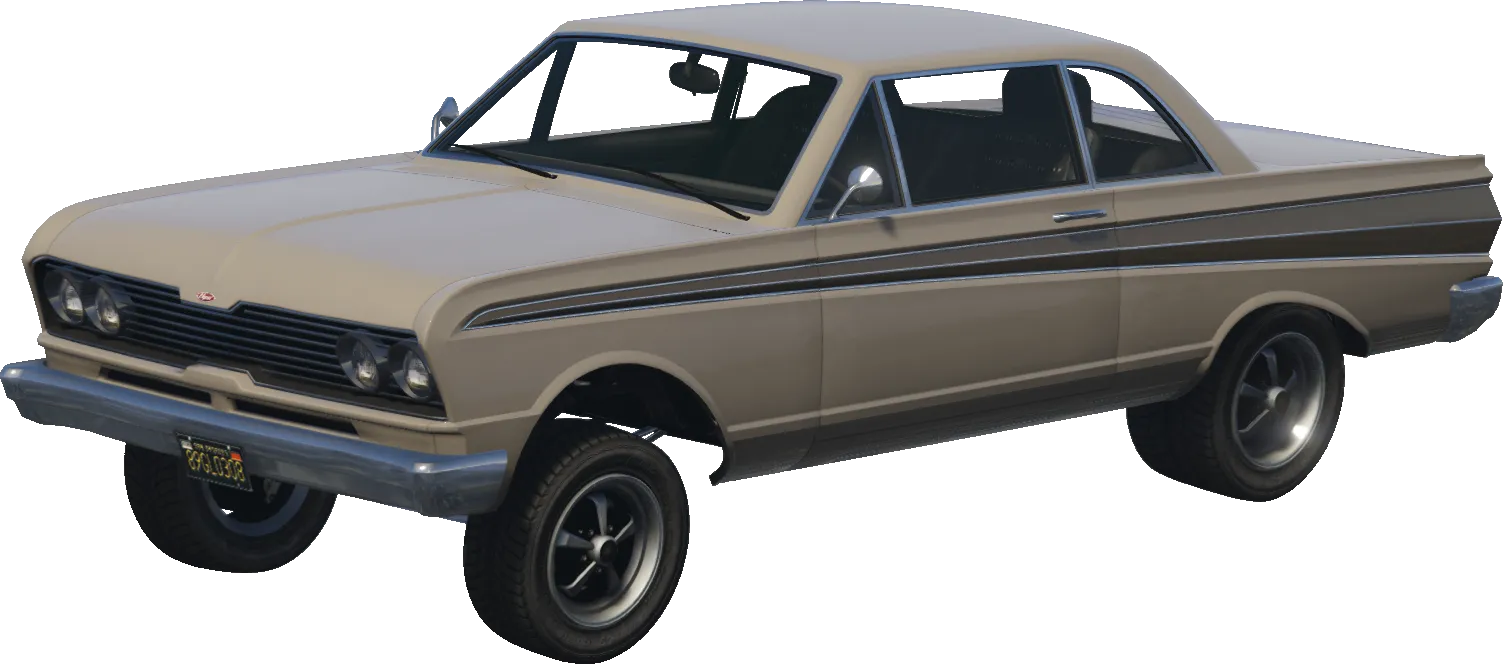
blade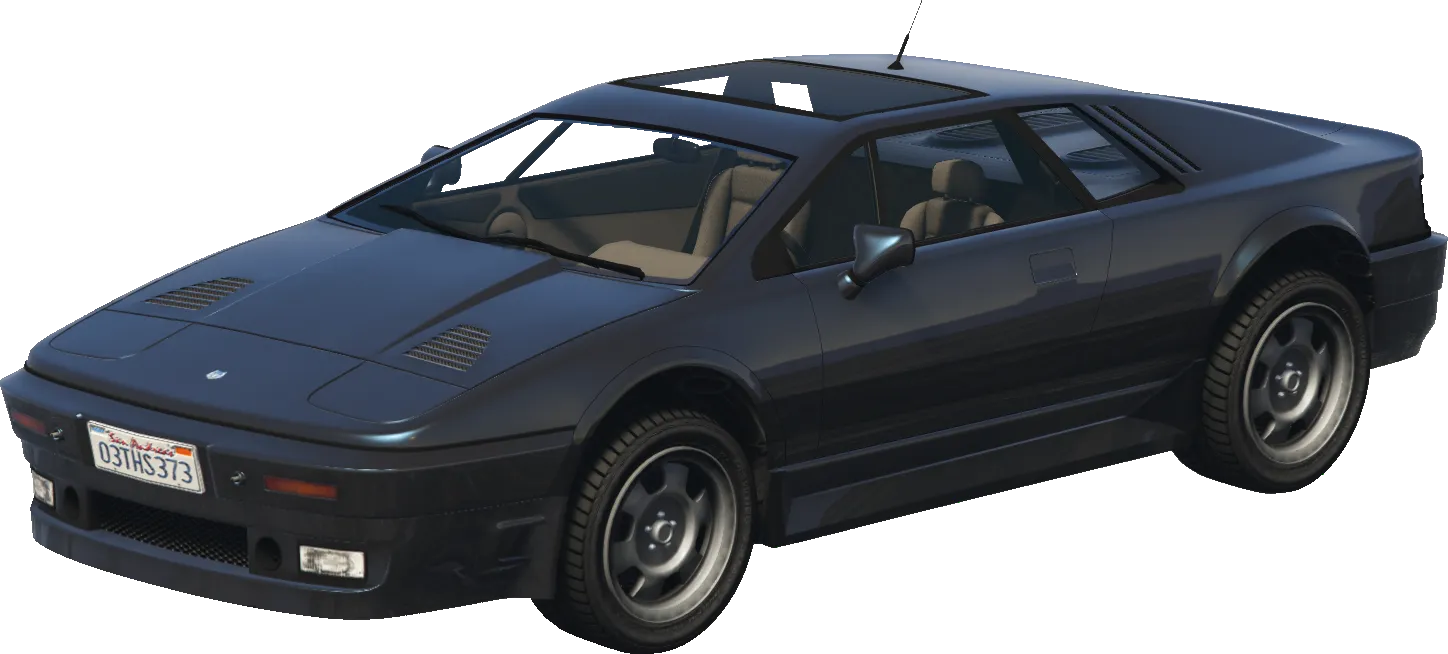
ardent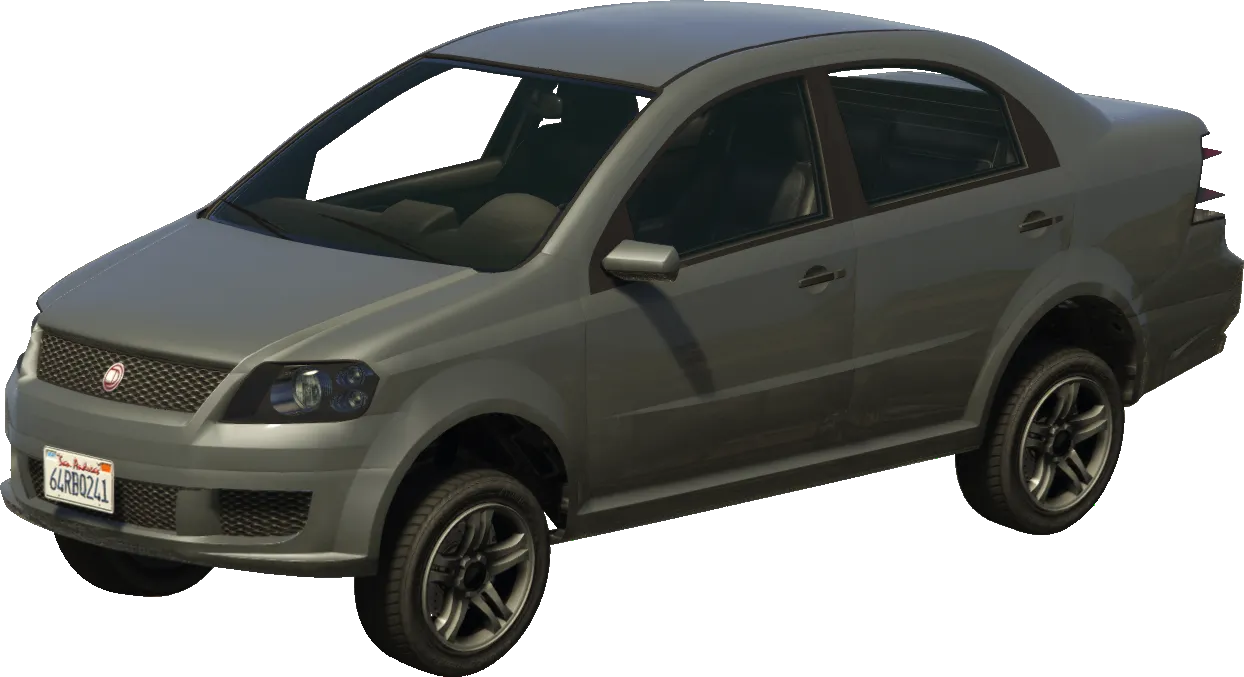
asea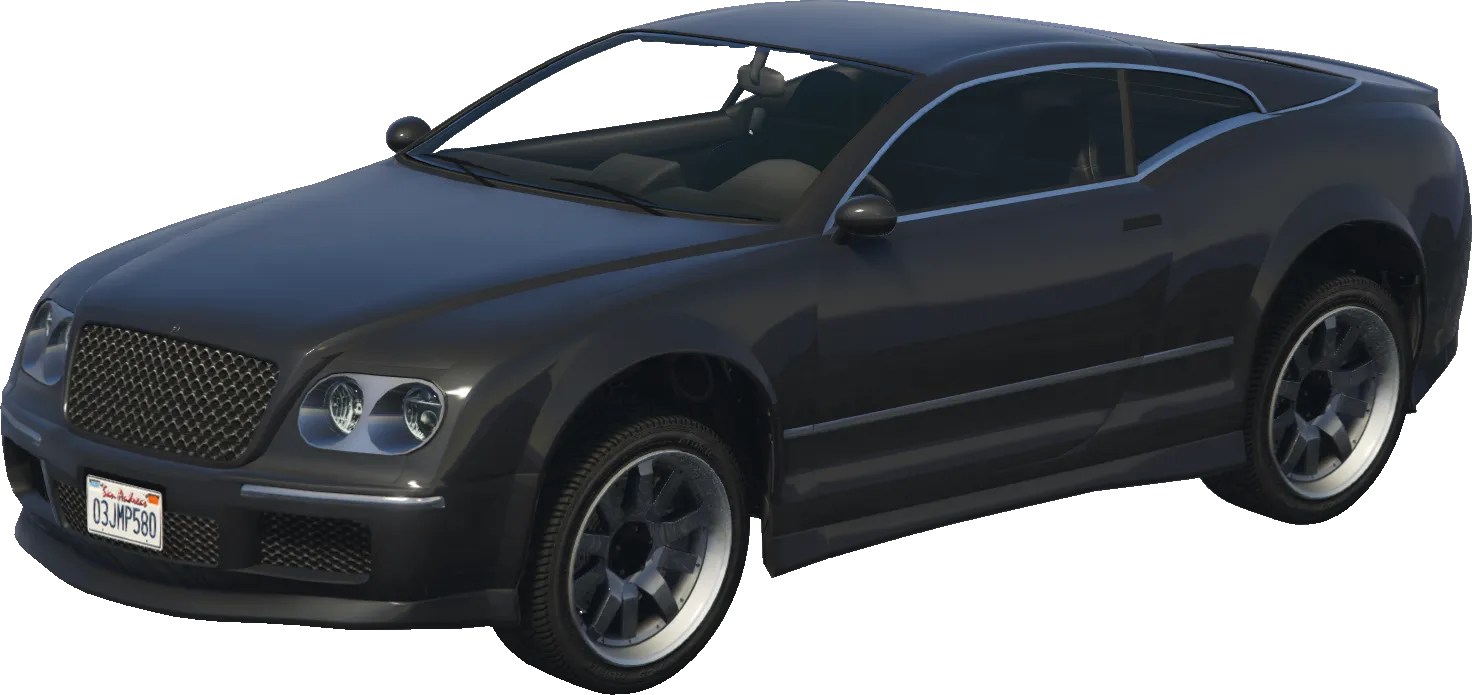
cogcabrio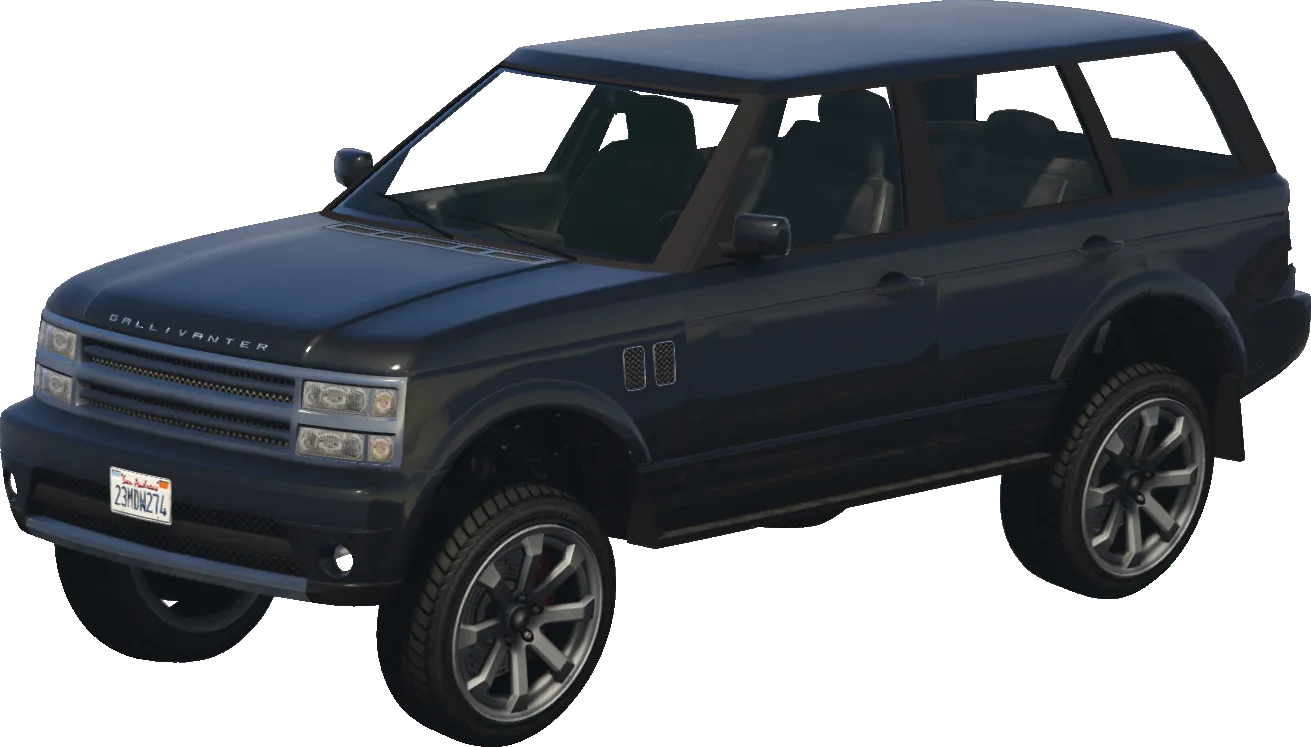
baller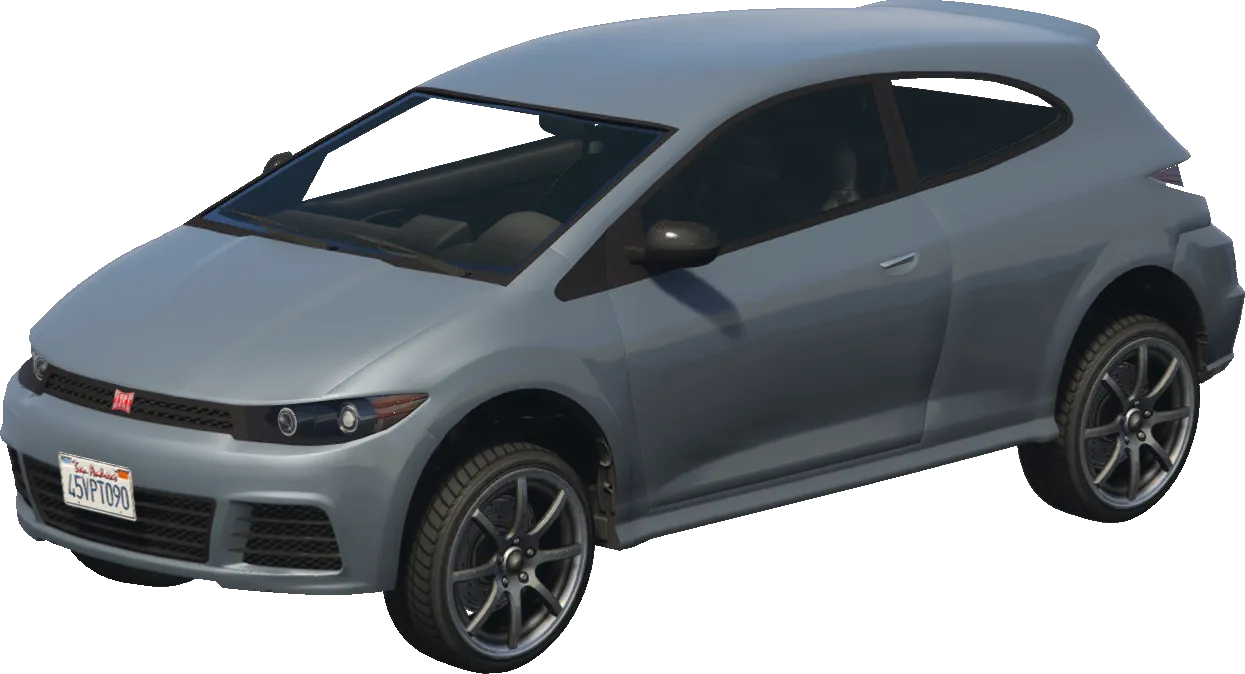
blistaReturns
BOOLReturns TRUE (1) or FALSE (0).