CfxNativesCfxNatives
NativesModelsArtifactsAPIAbout

Not affiliated with Rockstar Games or Take-Two Interactive. FiveM and Cfx.re are trademarks of their respective owners. cfxnatives.dev is an independent community project.

UZ Scripts logoMaintained by uz-scripts

© 2026 cfxnatives.dev

contact@cfxnatives.dev
VEHICLEClient
Artifact25963

CreateVehicle

Docs
local retval = CreateVehicle(modelHash, x, y, z, heading, isNetwork, netMissionEntity)

Description

Creates a vehicle with the specified model at the specified position. This vehicle will initially be owned by the creating
script as a mission entity, and the model should be loaded already (e.g. using REQUEST_MODEL).

NativeDB Added Parameter 8: BOOL p7

Parameters

NameTypeDescription
modelHashHashThe model of vehicle to spawn.
xfloatSpawn coordinate X component.
yfloatSpawn coordinate Y component.
zfloatSpawn coordinate Z component.
headingfloatHeading to face towards, in degrees.
isNetworkBOOLWhether to create a network object for the vehicle. If false, the vehicle exists only locally.
netMissionEntityBOOLWhether to register the vehicle as pinned to the script host in the R\* network model.
📍Quick Snippet: Get Coordinates
xyzheading

Add this command to your client script to retrieve precise locations in-game.

-- Add this to your client.lua. Type /pos in-game to copy coords.
RegisterCommand('pos', function()
    local ped = PlayerPedId()
    local coords = GetEntityCoords(ped)
    local heading = GetEntityHeading(ped)
    local output = string.format("vector4(%.2f, %.2f, %.2f, %.2f)", coords.x, coords.y, coords.z, heading)

    print(output)
    TriggerEvent('chat:addMessage', { args = { '^4[COORD]^0', output } })
end)
🚗Quick Snippet: Get Vehicle
→ Vehicle

Use this to get the current vehicle handle for this native.

-- Get the vehicle the player is currently in
local ped = PlayerPedId()
local vehicle = GetVehiclePedIsIn(ped, false)

if vehicle ~= 0 then
    print("Vehicle handle: " .. vehicle)
    print("Model: " .. GetEntityModel(vehicle))
else
    print("Player is not in a vehicle")
end
🏷️Quick Snippet: Load Model Hash
modelHash

Models must be loaded before use. This snippet handles requesting and releasing properly.

-- Properly load a model before spawning/using it
local modelName = "prop_barrel_01a"  -- change to your model
local modelHash = GetHashKey(modelName)

RequestModel(modelHash)
while not HasModelLoaded(modelHash) do
    Wait(0)
end

print("Model loaded: " .. modelName .. " (" .. modelHash .. ")")

-- Release when done:
-- SetModelAsNoLongerNeeded(modelHash)
🚗

Vehicle Models

View All
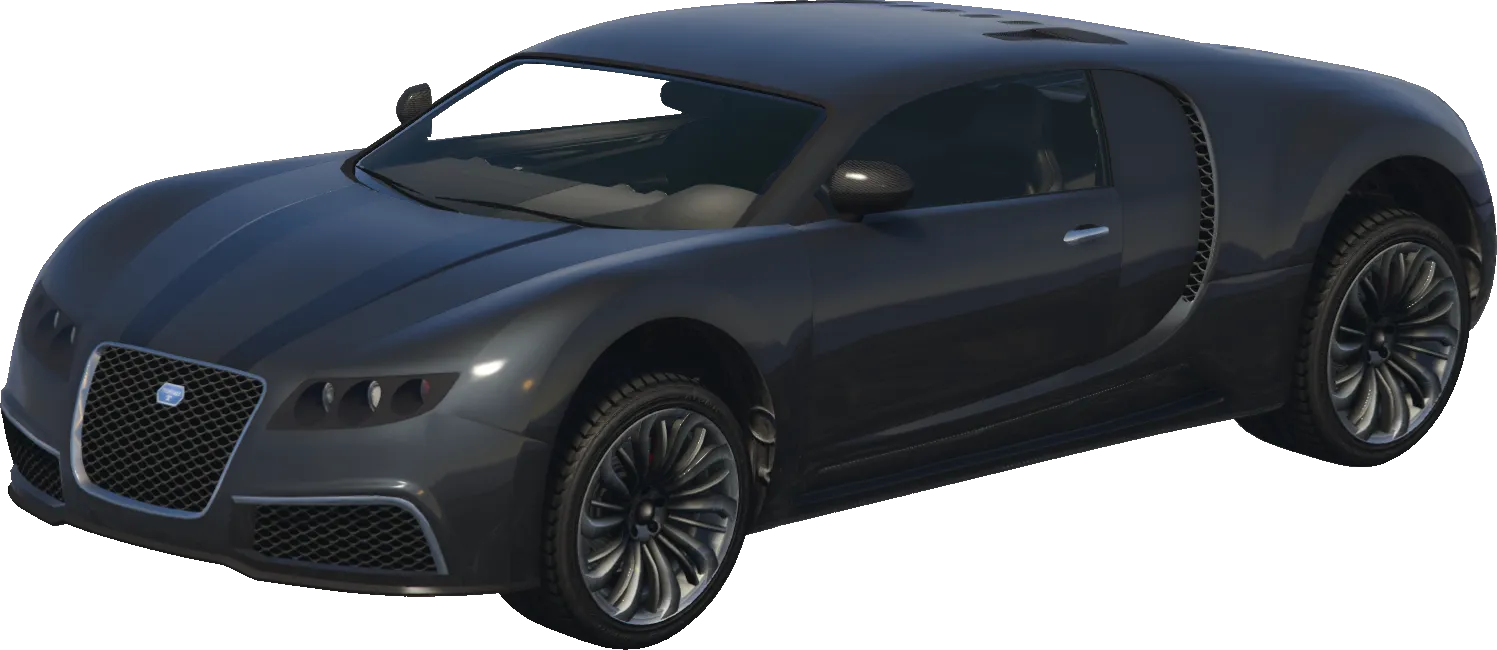
Adder
adder
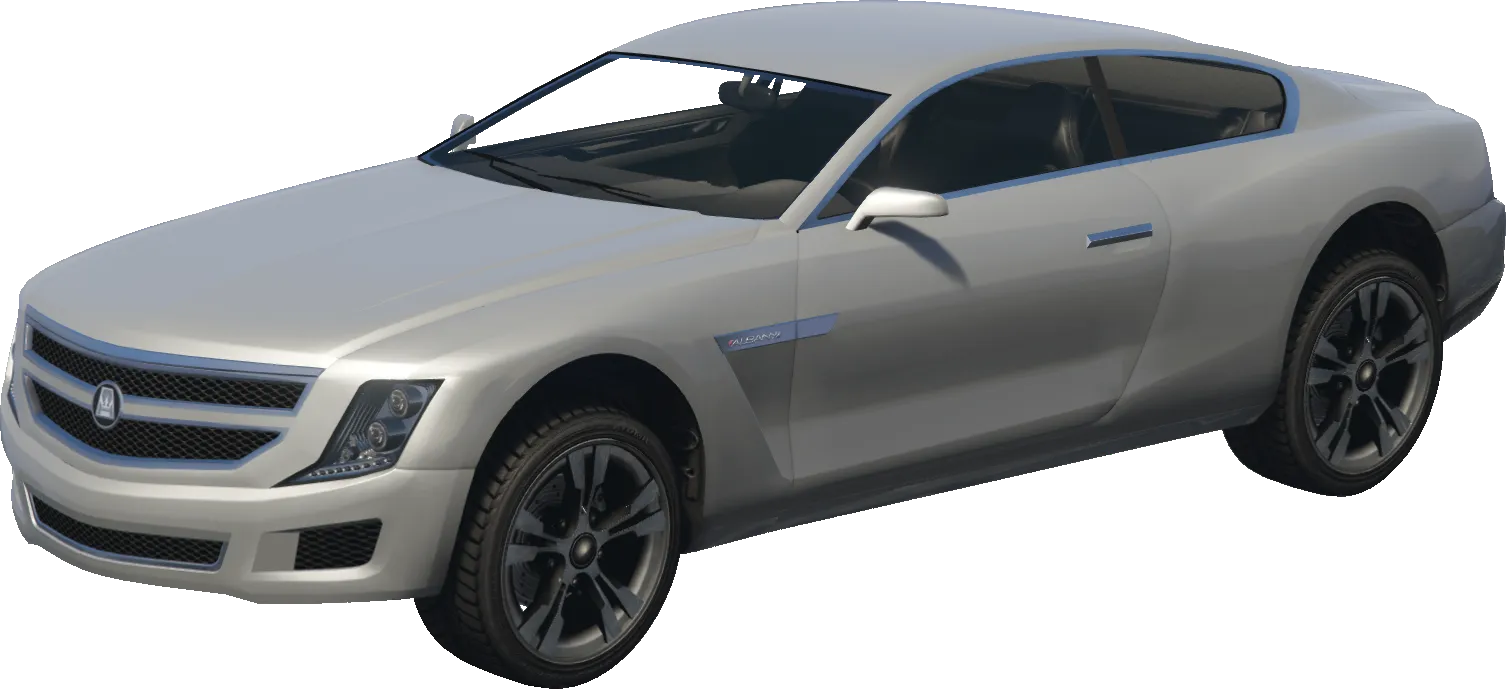
Alpha
alpha
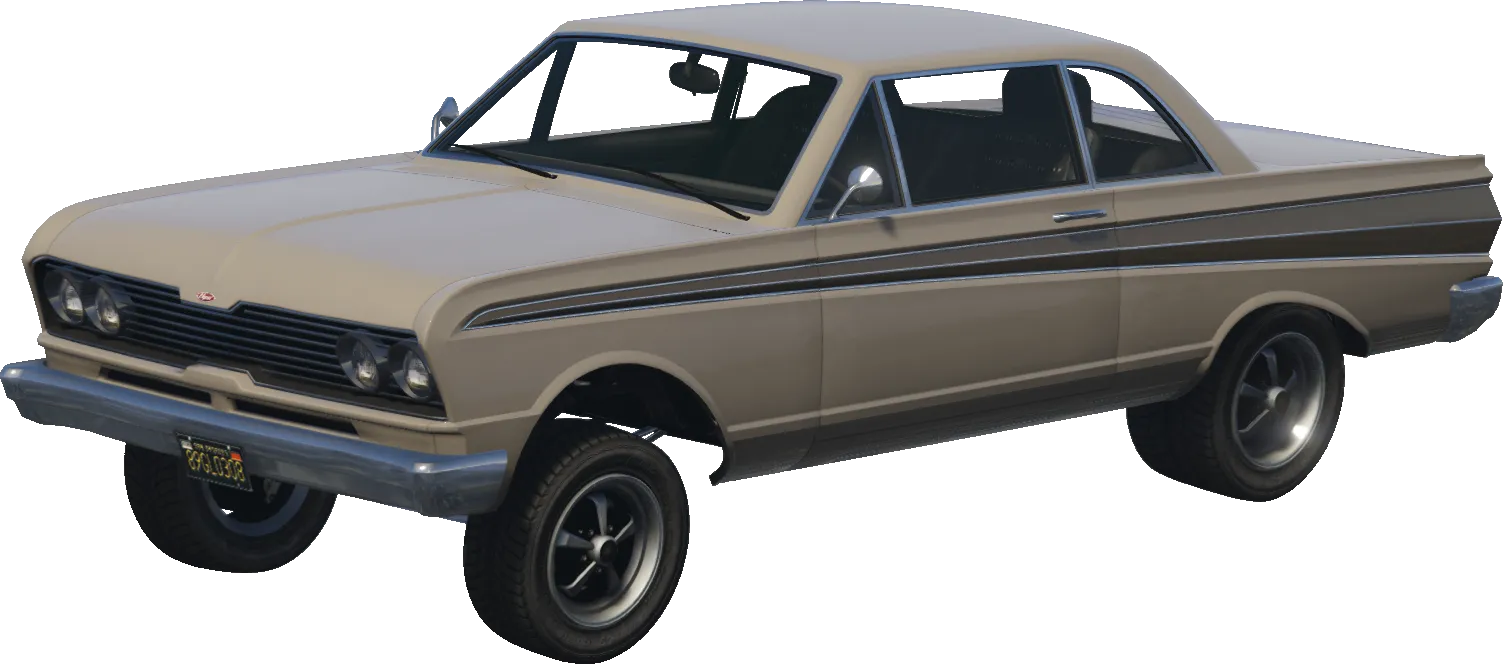
Blade
blade
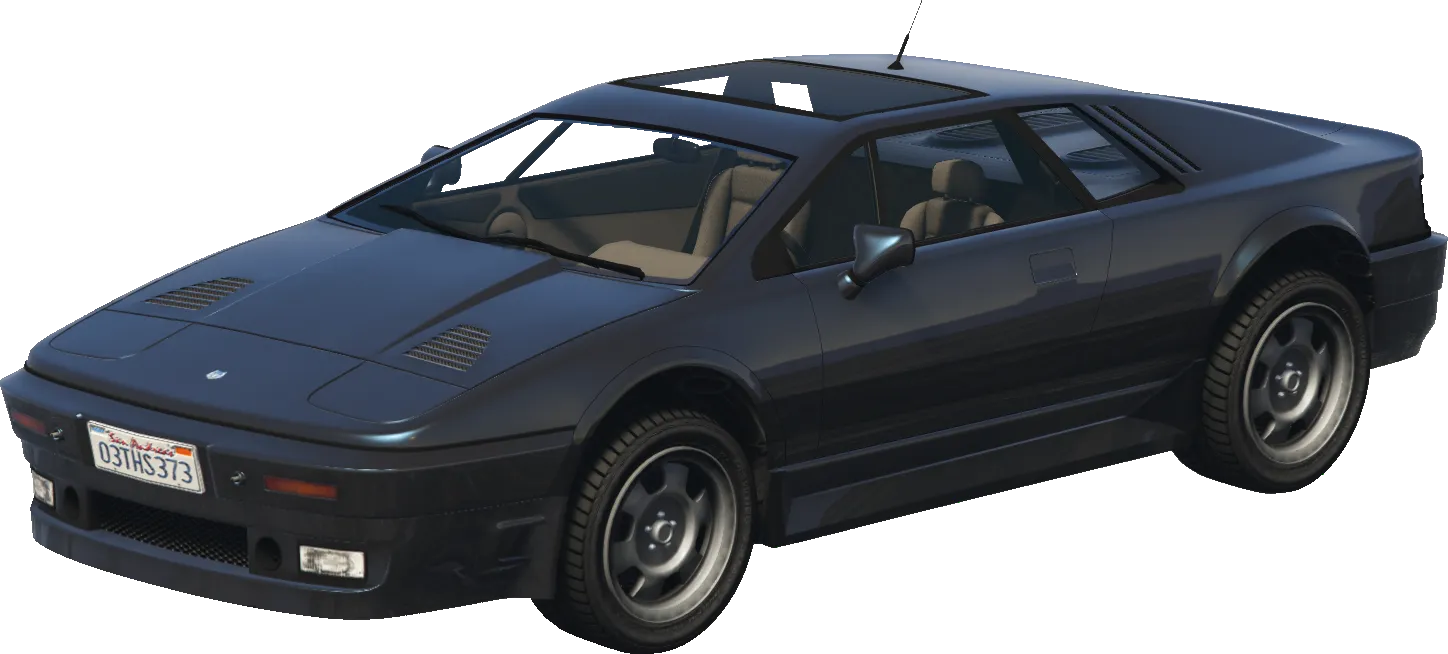
Ardent
ardent
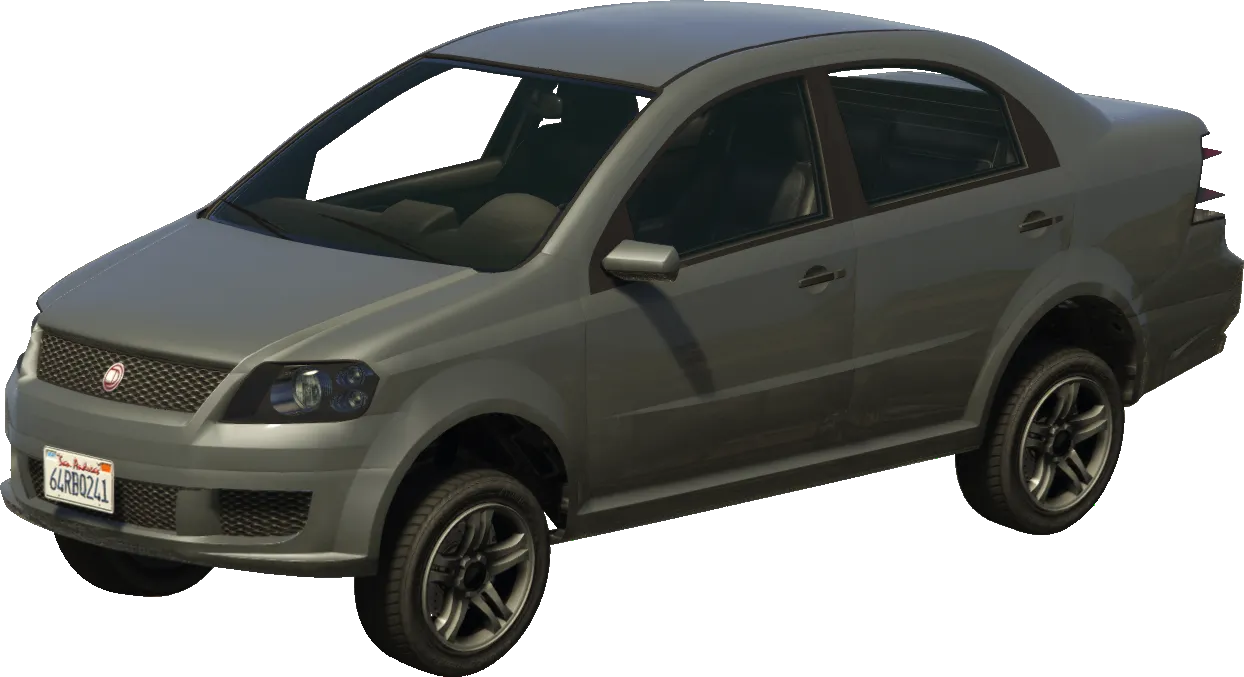
Asea
asea
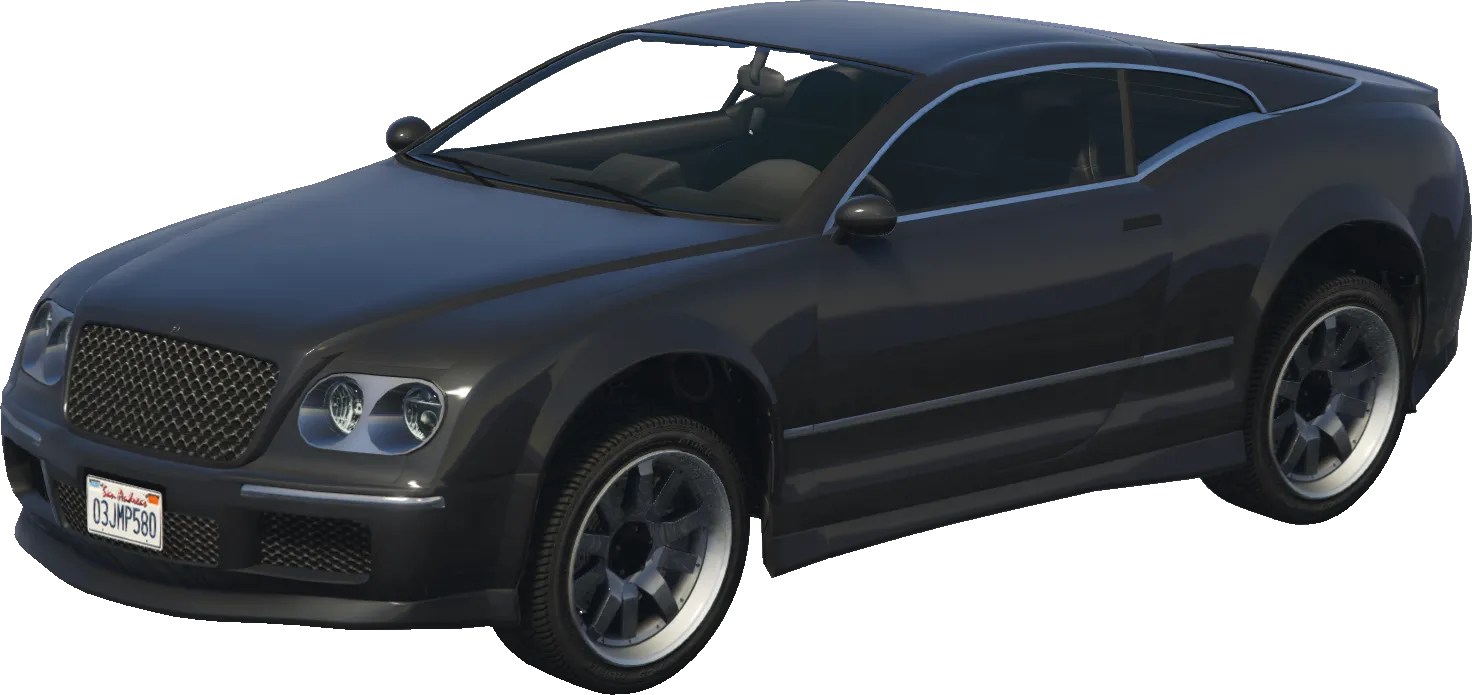
Cogcabrio
cogcabrio
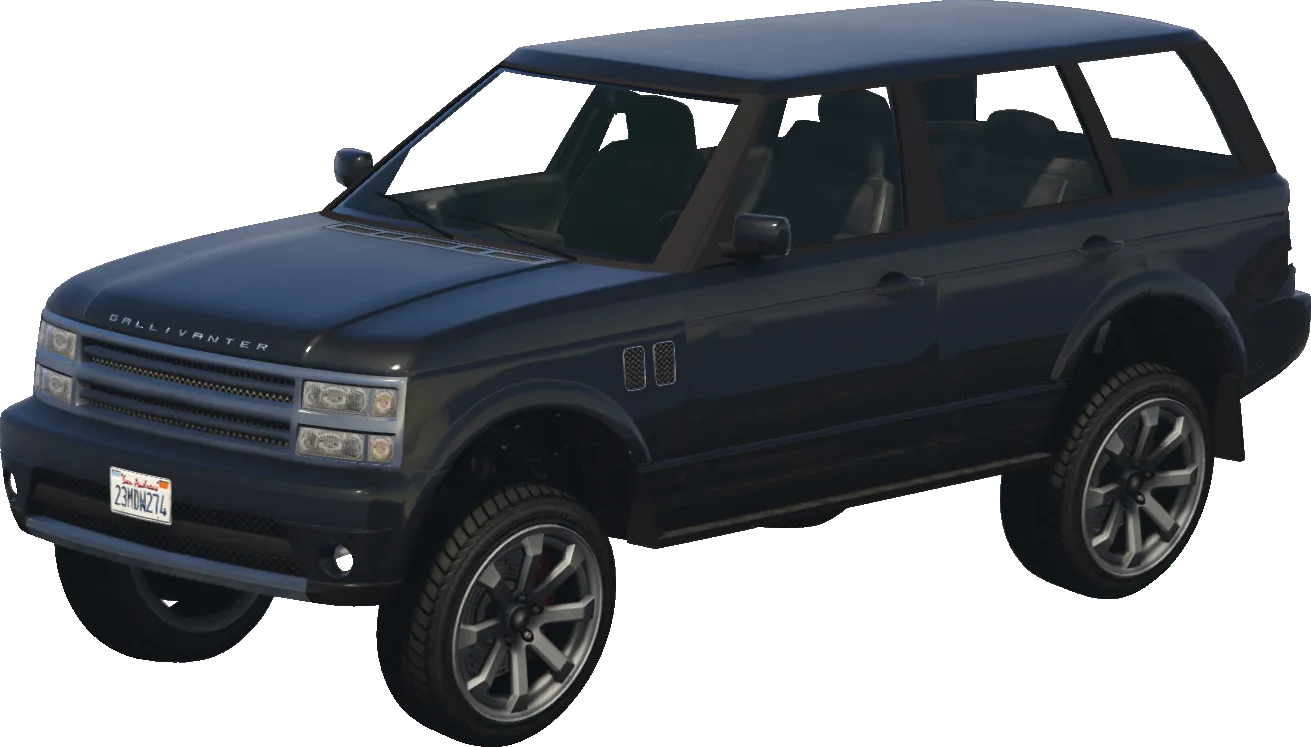
Baller
baller
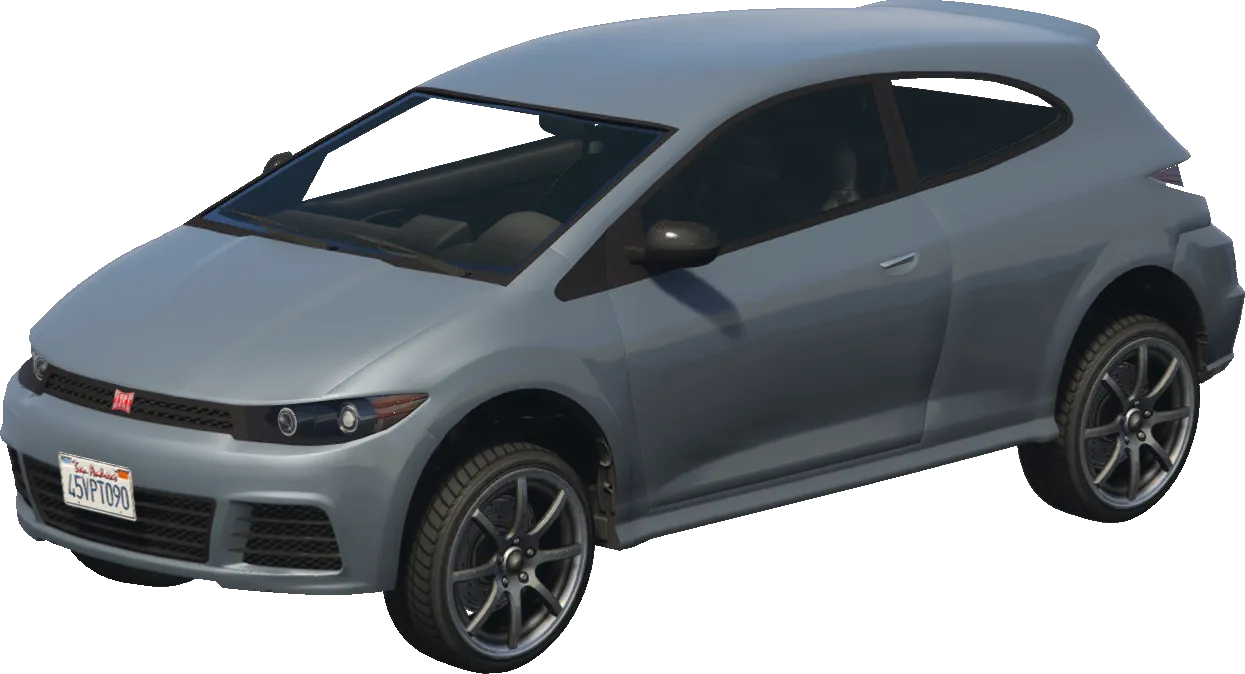
Blista
blista

Returns

Vehicle

Returns a vehicle handle.

Examples

Official
local ModelHash = `adder` -- Use Compile-time hashes to get the hash of this model
if not IsModelInCdimage(ModelHash) then return end
RequestModel(ModelHash) -- Request the model
while not HasModelLoaded(ModelHash) do -- Waits for the model to load
  Wait(0)
end
local MyPed = PlayerPedId()
local Vehicle = CreateVehicle(ModelHash, GetEntityCoords(MyPed), GetEntityHeading(MyPed), true, false) -- Spawns a networked vehicle on your current coords
SetModelAsNoLongerNeeded(ModelHash) -- removes model from game memory as we no longer need it

Framework Usage

7 examples
Spawn Vehicle (Client)
Clientlua
-- QBCore client-side vehicle spawn with callback
-- Handles model loading, network ID, radio, fuel, and cleanup
QBCore.Functions.SpawnVehicle("sultan", function(veh)
    print("Spawned vehicle:", veh)
end, coords, true, true)  -- coords, isNetworked, teleportInto

QBCore.Functions.SpawnVehicle wraps CreateVehicle with automatic model loading (RequestModel loop), network migration setup (SetNetworkIdCanMigrate), radio off, fuel to 100%, and optional teleport into driver seat.

Spawn Vehicle (Server — RPC)
Serverlua
-- Server-side vehicle creation using client RPC
-- Players must be near the spawn position
local veh = QBCore.Functions.SpawnVehicle(source, "sultan", coords, true)
print("Server RPC vehicle:", veh)

Uses the standard CreateVehicle RPC. The vehicle is created client-side, so a player must be near the coordinates. Optionally warps the player into the vehicle.

Create Vehicle (Server Setter)
Serverlua
-- Server-side vehicle spawn using CreateVehicleServerSetter
-- More reliable than RPC, supports vehicle type parameter
local veh = QBCore.Functions.CreateVehicle(
    source,         -- player source
    "sultan",       -- model name or hash
    "automobile",   -- vehicle type from vehicles.meta
    coords,         -- vector4 with heading
    true            -- warp player into vehicle
)

Uses CreateVehicleServerSetter under the hood — more reliable than the RPC-based CreateVehicle. Vehicle type must match the type field in vehicles.meta (automobile, bike, boat, heli, plane, submarine, trailer).

Server Artifacts

Data sourced from jgscripts artifact-db
Recommended25963
Known Issues24
25987-25988Node.js sandboxing seems to be causing issues for people - best to avoid for now
21547Multiple (unconfirmed) reports of server-sided natives throwing errors or causing crashes; best to avoid
17462Failed build, ignore
16276Multiple reports of issues loading JS within resources
14583-14716Crash when using the new onEntityBucketChange
14583-14862Timeouts due to latency units being in nanoseconds
13759-13890Mumble (voice) external connections blocked by default
13380-13458Server crashing due to integer encoding (PR#3235)
13079Failed Linux build (works OK if using Windows!)
12933-13045Still crashes (sometimes) when restarting resources due to Node.js 22
12913-12932Causes a crash when restarting Node.js 22
12767os.date() appends null terminator; can break Lua scripts
12651Failed Linux build, ignore
12509Failed build, ignore
12255Unconfirmed, but several reports of server-side issues that don't persist when downgrading; best to avoid
12160-12165Cannot use entity native calls in entityRemoved
12151Crashing if using newest title update (TU)
12092-12135SetPlayerModel may cause SIGSEGV crashes on some clients due to changes in player handling. 12031 and below works fine.
12078-12083Some clients will fail to connect with 'ReadBulk of header failed' error
10930Failed build, ignore
10268-10309sv_experimentalNetGameEventHandler enabled by default; can cause server crashing and reports of issues downgrading after upgrading
10191GetVehicleNumberPlateText server native broken, will cause issues with scripts involving vehicles
10072Crashing when players join
8509State bags not replicated to clients

CommunitySnippets2

  • UZStoreFeb 28
    lua
    test
    local ModelHash = `adder` -- Use Compile-time hashes to get the hash of this model
    if not IsModelInCdimage(ModelHash) then return end
    RequestModel(ModelHash) -- Request the model
    while not HasModelLoaded(ModelHash) do -- Waits for the model to load
      Wait(0)
    end
    local MyPed = PlayerPedId()
    local Vehicle = CreateVehicle(ModelHash, GetEntityCoords(MyPed), GetEntityHeading(MyPed), true, false) -- Spawns a networked vehicle on your current coords
    SetModelAsNoLongerNeeded(ModelHash) -- removes model from game memory as we no longer need it
  • yoyo777-ops12d ago
    lua
    ox core server side
    local playerPed = GetPlayerPed(targetplayer)
            local playerCoords = GetEntityCoords(playerPed)
            local playerHeading = GetEntityHeading(playerPed)
    
            local ownerplayer = Ox.GetPlayer(targetplayer)
    
            Ox.CreateVehicle({ model = model, owner = ownerplayer.charId }, playerCoords, playerHeading)