
TaskVehicleDriveToCoordLongrange
DocsTaskVehicleDriveToCoordLongrange(ped, vehicle, x, y, z, speed, drivingStyle, stopRange)Description
You can let your character drive to the destination at the speed and driving style you set. You can use map marks to set the destination.
enum eDriveBehaviorFlags {
  DF_StopForCars = 1,
  DF_StopForPeds = 2,
  DF_SwerveAroundAllCars = 4,
  DF_SteerAroundStationaryCars = 8,
  DF_SteerAroundPeds = 16,
  DF_SteerAroundObjects = 32,
  DF_DontSteerAroundPlayerPed = 64,
  DF_StopAtLights = 128,
  DF_GoOffRoadWhenAvoiding = 256,
  DF_DriveIntoOncomingTraffic = 512,
  DF_DriveInReverse = 1024,
  DF_UseWanderFallbackInsteadOfStraightLine = 2048,
  DF_AvoidRestrictedAreas = 4096,
  DF_PreventBackgroundPathfinding = 8192, // **These only work on MISSION_CRUISE**
  DF_AdjustCruiseSpeedBasedOnRoadSpeed = 16384,
  DF_UseShortCutLinks = 262144,
  DF_ChangeLanesAroundObstructions = 524288,
  DF_UseSwitchedOffNodes = 2097152,	//cruise tasks ignore this anyway--only used for goto's
  DF_PreferNavmeshRoute = 4194304,	//if you're going to be primarily driving off road
  DF_PlaneTaxiMode = 8388608, // Only works for planes using MISSION_GOTO, will cause them to drive along the ground instead of fly
  DF_ForceStraightLine = 16777216,
  DF_UseStringPullingAtJunctions = 33554432,
  DF_AvoidHighways = 536870912,
  DF_ForceJoinInRoadDirection = 1073741824
}
Parameters
| Name | Type | Description |
|---|---|---|
ped | Ped | Ped id for the task. |
vehicle | Vehicle | Vehicle entity id for the task. |
x | float | Destination X coordinate. |
y | float | Destination Y coordinate. |
z | float | Destination Z coordinate. |
speed | float | Speed of driving. |
drivingStyle | int | The driving style (default is 0) (see [SetDriveTaskDrivingStyle](#\_0xDACE1BE37D88AF67)). |
stopRange | float | Stops in the specific range near the destination. 20.0 works fine. |
Quick Snippet: Get Coordinatesxyz
xyzAdd this command to your client script to retrieve precise locations in-game.
-- Add this to your client.lua. Type /pos in-game to copy coords.
RegisterCommand('pos', function()
    local ped = PlayerPedId()
    local coords = GetEntityCoords(ped)
    local heading = GetEntityHeading(ped)
    local output = string.format("vector4(%.2f, %.2f, %.2f, %.2f)", coords.x, coords.y, coords.z, heading)

    print(output)
    TriggerEvent('chat:addMessage', { args = { '^4[COORD]^0', output } })
end)Quick Snippet: Get Ped Handleped
pedUse this to get the player ped handle for this native.
-- Get the player's ped handle (client-side)
local ped = PlayerPedId()
print("Ped handle: " .. ped)

-- For a specific player's ped (server-side):
-- local targetPed = GetPlayerPed(source)Quick Snippet: Get Vehiclevehicle
vehicleUse this to get the current vehicle handle for this native.
-- Get the vehicle the player is currently in
local ped = PlayerPedId()
local vehicle = GetVehiclePedIsIn(ped, false)

if vehicle ~= 0 then
    print("Vehicle handle: " .. vehicle)
    print("Model: " .. GetEntityModel(vehicle))
else
    print("Player is not in a vehicle")
endVehicle Models
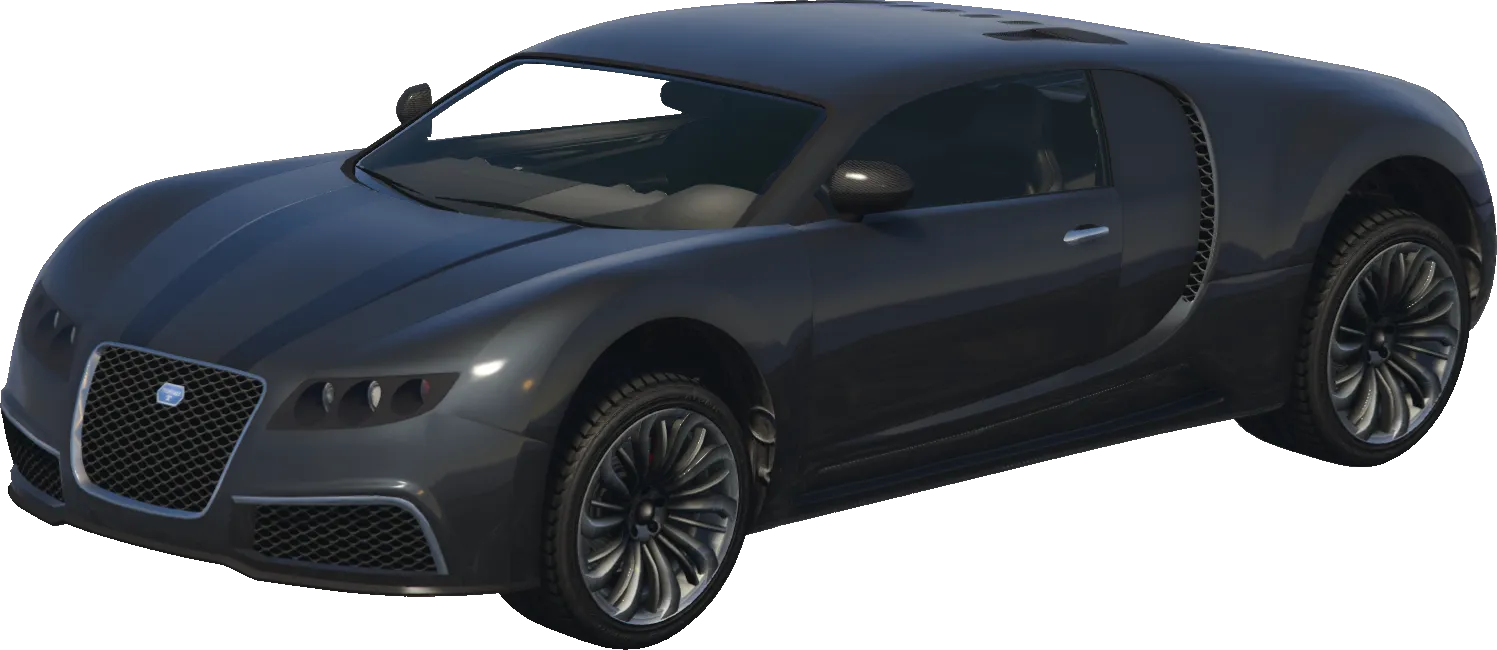
adder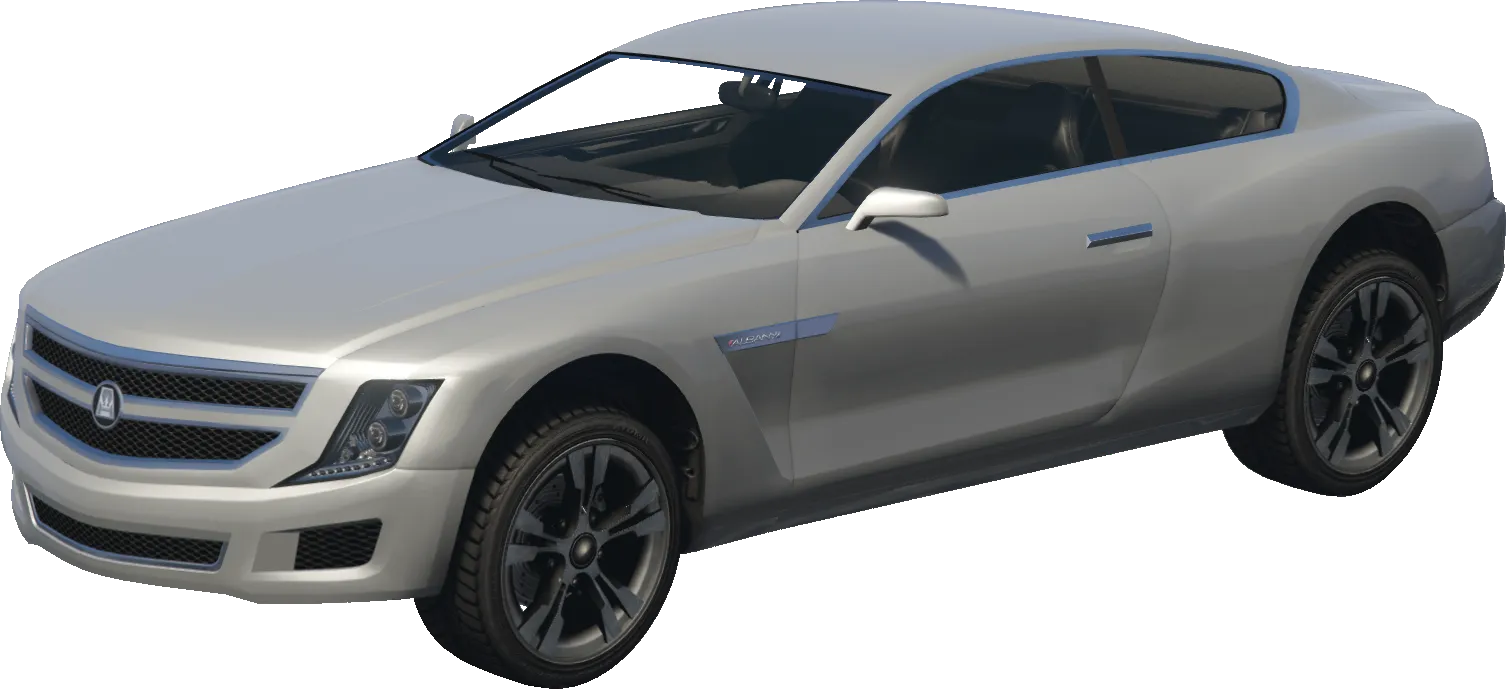
alpha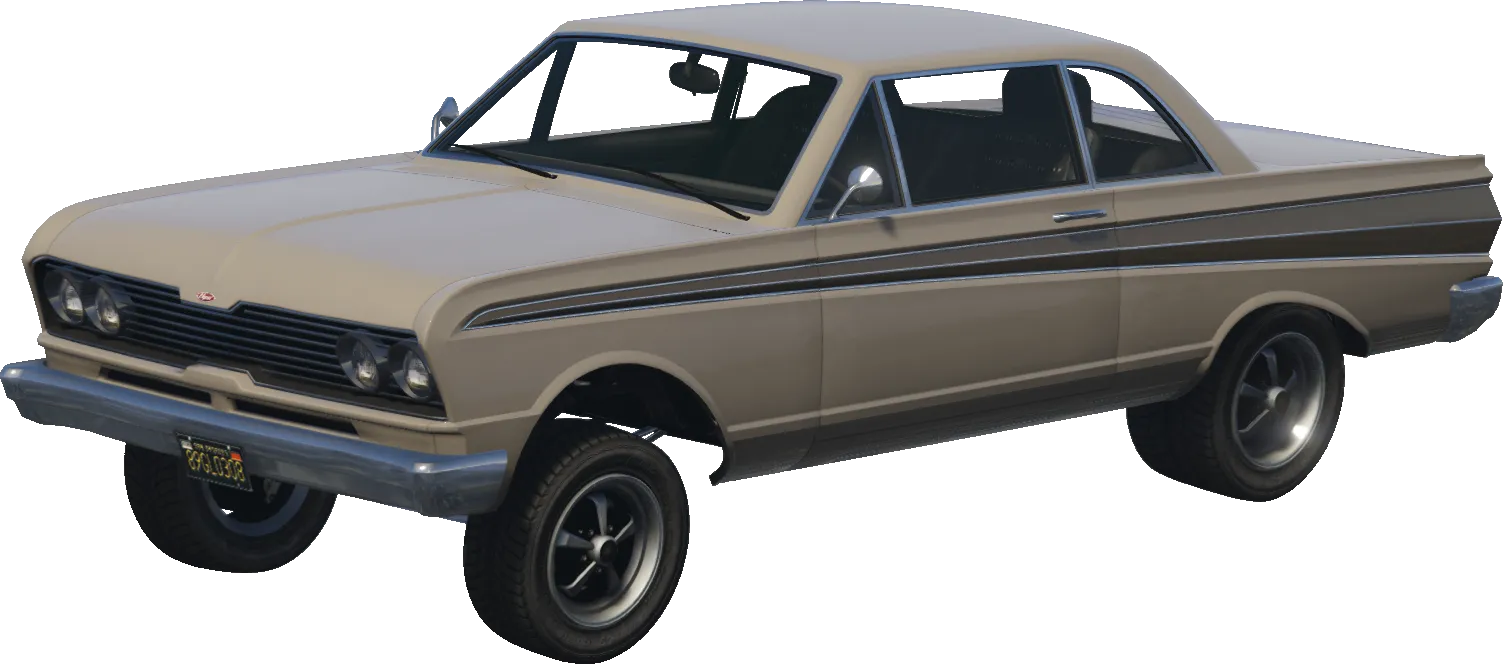
blade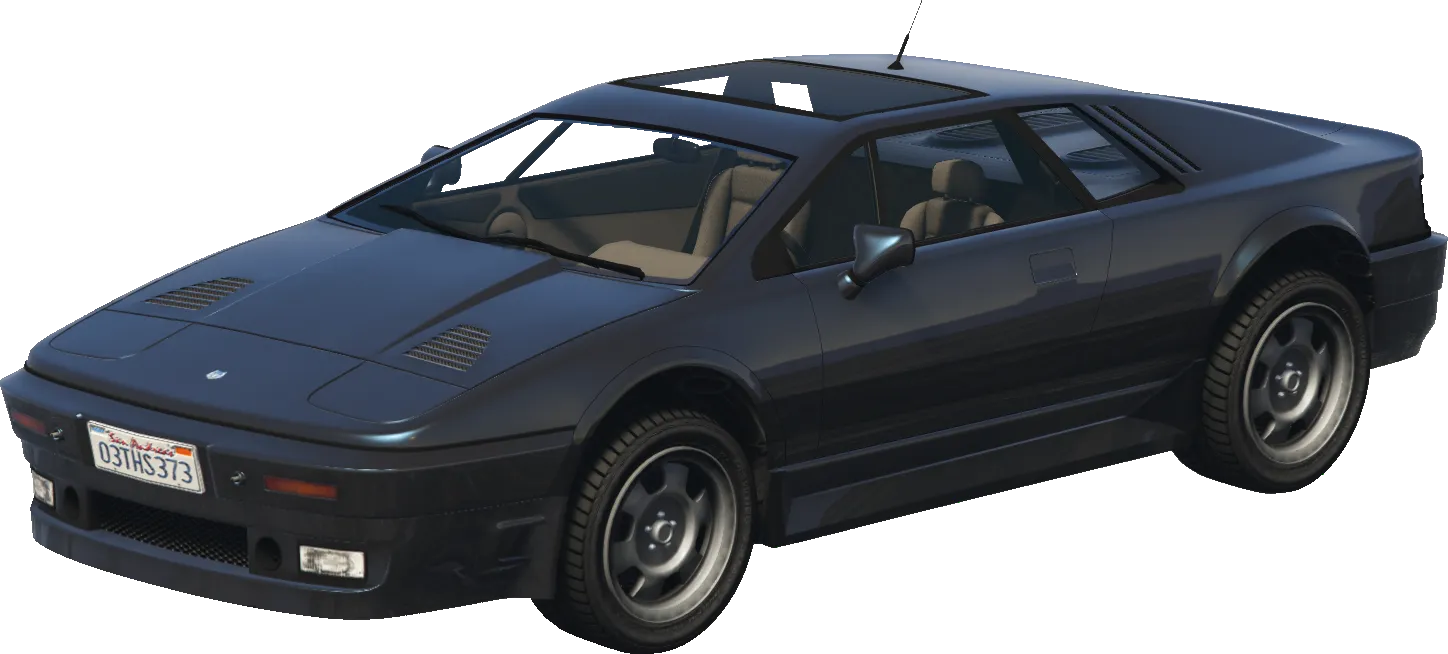
ardent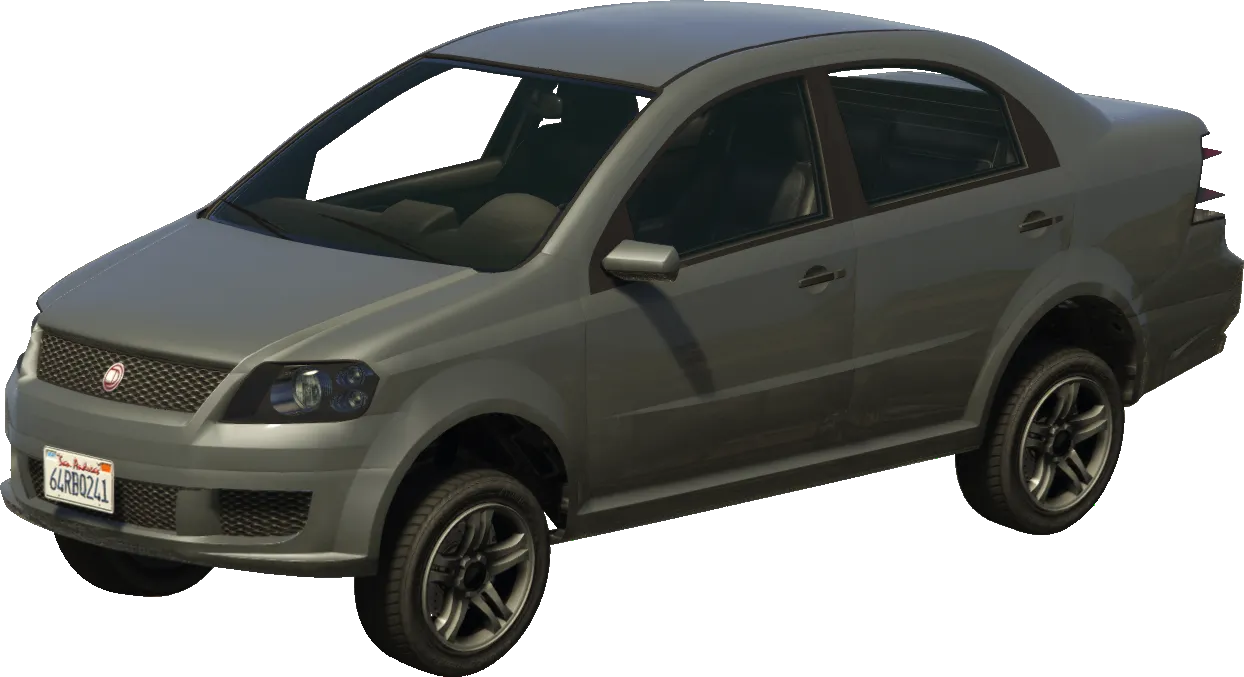
asea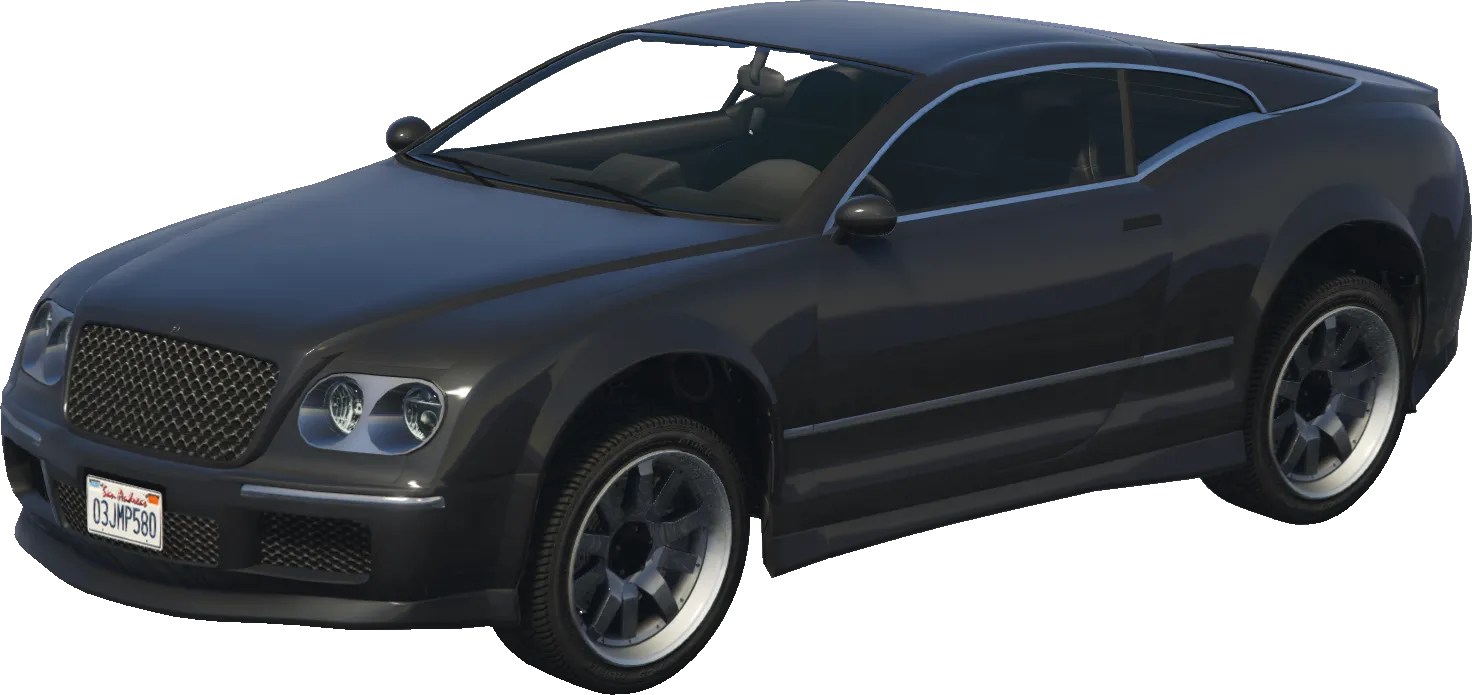
cogcabrio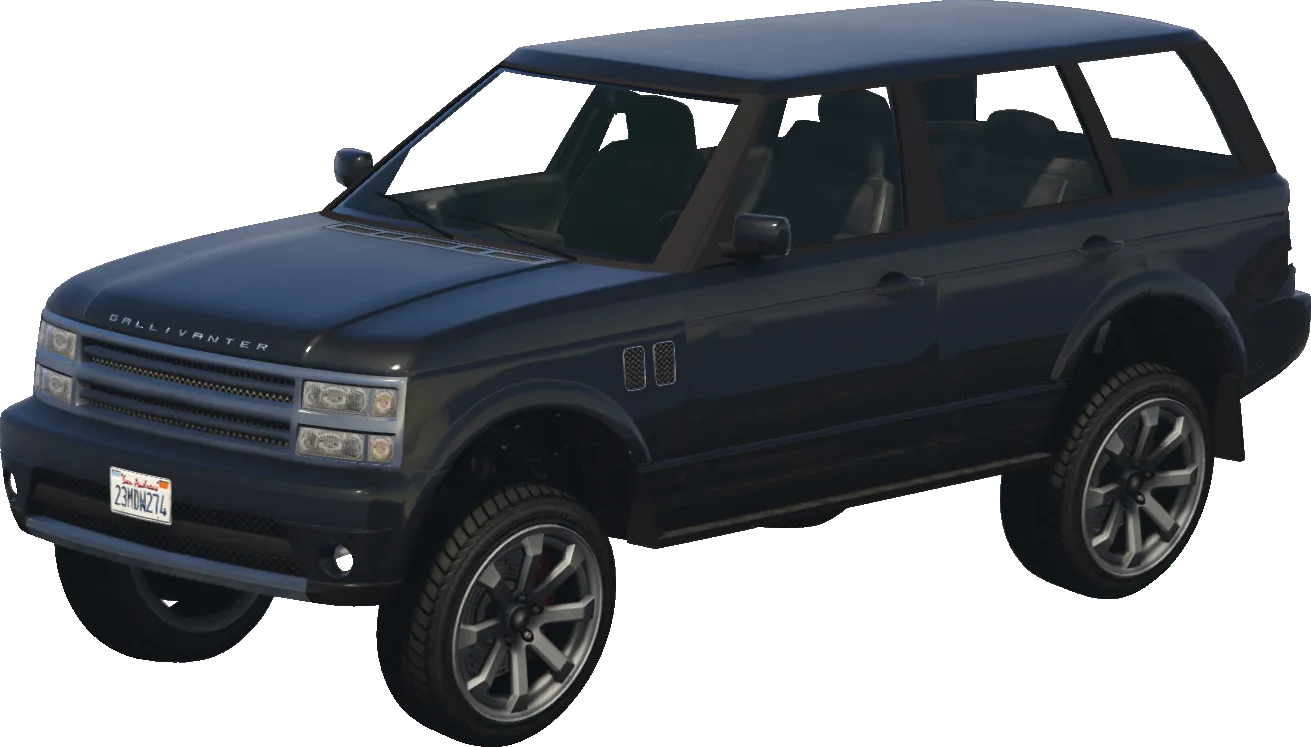
baller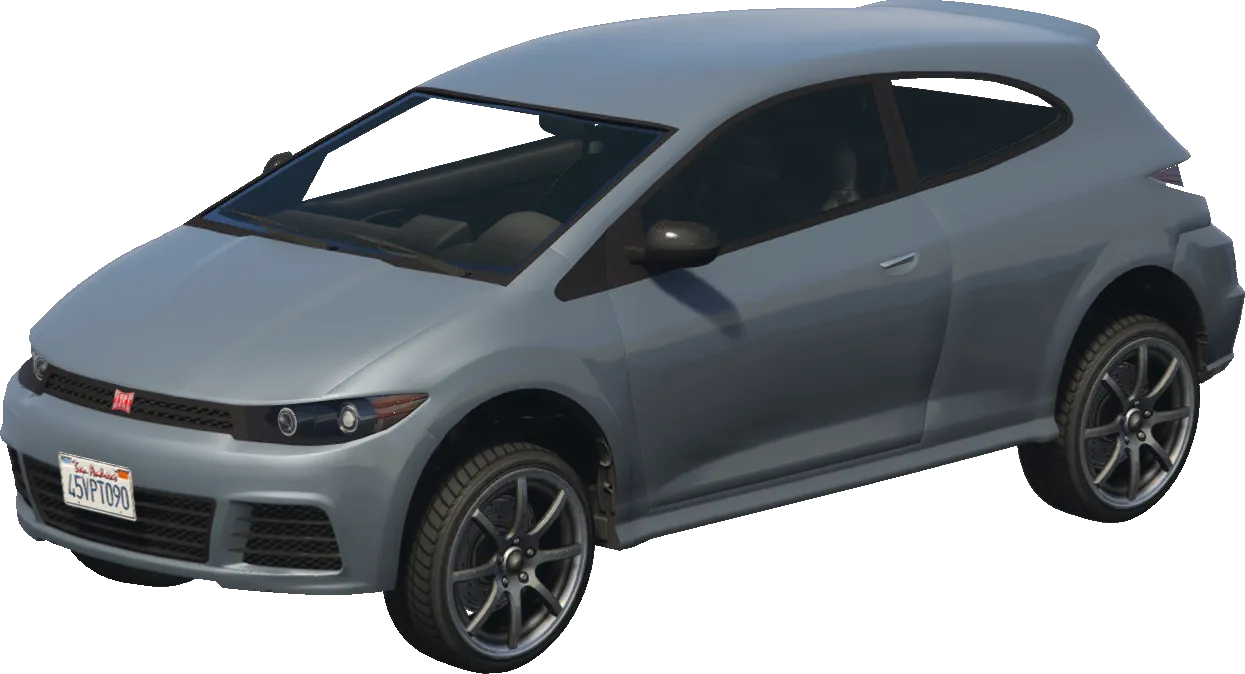
blistaPed Models
mp_m_freemode_01
player_zero
ig_agatha
s_m_y_cop_01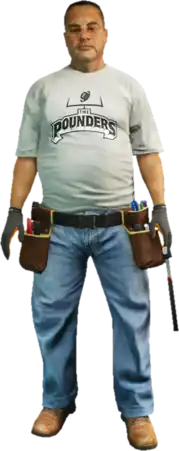
s_m_m_gaffer_01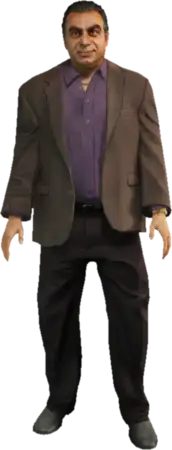
g_m_m_armboss_01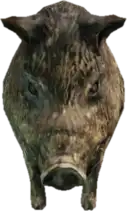
a_c_boar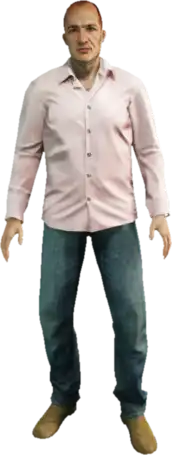
a_m_m_bevhills_01Returns
voidThis native does not return a value.
Examples
Official
// A short example showcasing how this native works with map marks.

// Get the map mark location.
Vector3 destination = GetBlipInfoIdCoord(GetFirstBlipInfoId(8));

// If no mark is set, return immediately.
if (destination == Vector3.Zero)
{
    return;
}

TaskVehicleDriveToCoordLongrange(Game.PlayerPed.Handle, Game.PlayerPed.CurrentVehicle.Handle, destination.X, destination.Y, destination.Z, 60f, 447, 20f);