
TaskStartScenarioAtPosition
DocsTaskStartScenarioAtPosition(ped, scenarioName, x, y, z, heading, timeToLeave, playIntro, warp)Description
The ped will move or warp to the position and heading given, then start the scenario passed. See INLINE_0 for a list of scenarios.
Parameters
| Name | Type | Description |
|---|---|---|
ped | Ped | The ped handle. |
scenarioName | char* | The name of the scenario to start. |
x | float | The x coordinate to start at. |
y | float | The y coordinate to start at. |
z | float | The z coordinate to start at. Should be the ground position plus the ped's ground to root offset. |
heading | float | The heading to start at. |
timeToLeave | int | Sets the timeout on the scenario point to the specified time in milliseconds. If less than 0, sets the `IdleForever` flag. |
playIntro | BOOL | If the ped should play the scenarios enter animation. Sets the `SkipEnterClip` flag. |
warp | BOOL | If the ped should be warped to the position. Sets the `Warp` flag. |
Quick Snippet: Get Coordinatesxyzheading
xyzheadingAdd this command to your client script to retrieve precise locations in-game.
-- Add this to your client.lua. Type /pos in-game to copy coords.
RegisterCommand('pos', function()
    local ped = PlayerPedId()
    local coords = GetEntityCoords(ped)
    local heading = GetEntityHeading(ped)
    local output = string.format("vector4(%.2f, %.2f, %.2f, %.2f)", coords.x, coords.y, coords.z, heading)

    print(output)
    TriggerEvent('chat:addMessage', { args = { '^4[COORD]^0', output } })
end)Quick Snippet: Get Ped Handleped
pedUse this to get the player ped handle for this native.
-- Get the player's ped handle (client-side)
local ped = PlayerPedId()
print("Ped handle: " .. ped)

-- For a specific player's ped (server-side):
-- local targetPed = GetPlayerPed(source)Ped Models
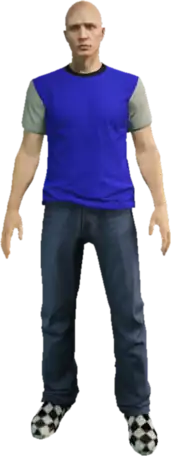
mp_m_freemode_01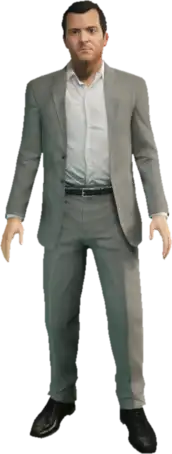
player_zero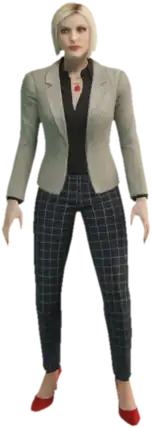
ig_agatha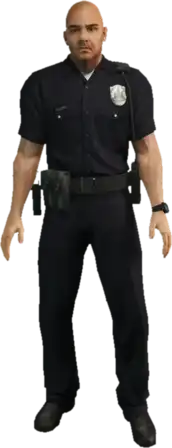
s_m_y_cop_01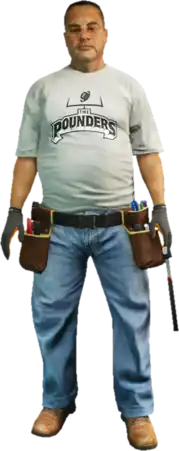
s_m_m_gaffer_01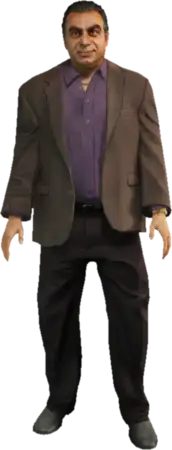
g_m_m_armboss_01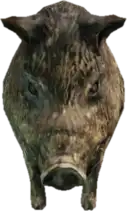
a_c_boar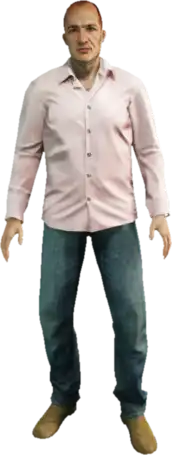
a_m_m_bevhills_01Returns
voidThis native does not return a value.