
SetVehicleGeneratorAreaOfInterest
DocsSetVehicleGeneratorAreaOfInterest(x, y, z, radius)Description
Specifies an area of interest where cargens will focus on spawning vehicles
You can clear the area of interest with INLINE_0
Parameters
| Name | Type | Description |
|---|---|---|
x | float | The X coordinate of the central point of the area of interest. |
y | float | The Y coordinate of the central point of the area of interest. |
z | float | The Z coordinate of the central point of the area of interest. |
radius | float | The radius around the central point, defining the size of the area of interest |
Quick Snippet: Get Coordinatesxyz
xyzAdd this command to your client script to retrieve precise locations in-game.
-- Add this to your client.lua. Type /pos in-game to copy coords.
RegisterCommand('pos', function()
    local ped = PlayerPedId()
    local coords = GetEntityCoords(ped)
    local heading = GetEntityHeading(ped)
    local output = string.format("vector4(%.2f, %.2f, %.2f, %.2f)", coords.x, coords.y, coords.z, heading)

    print(output)
    TriggerEvent('chat:addMessage', { args = { '^4[COORD]^0', output } })
end)Vehicle Models
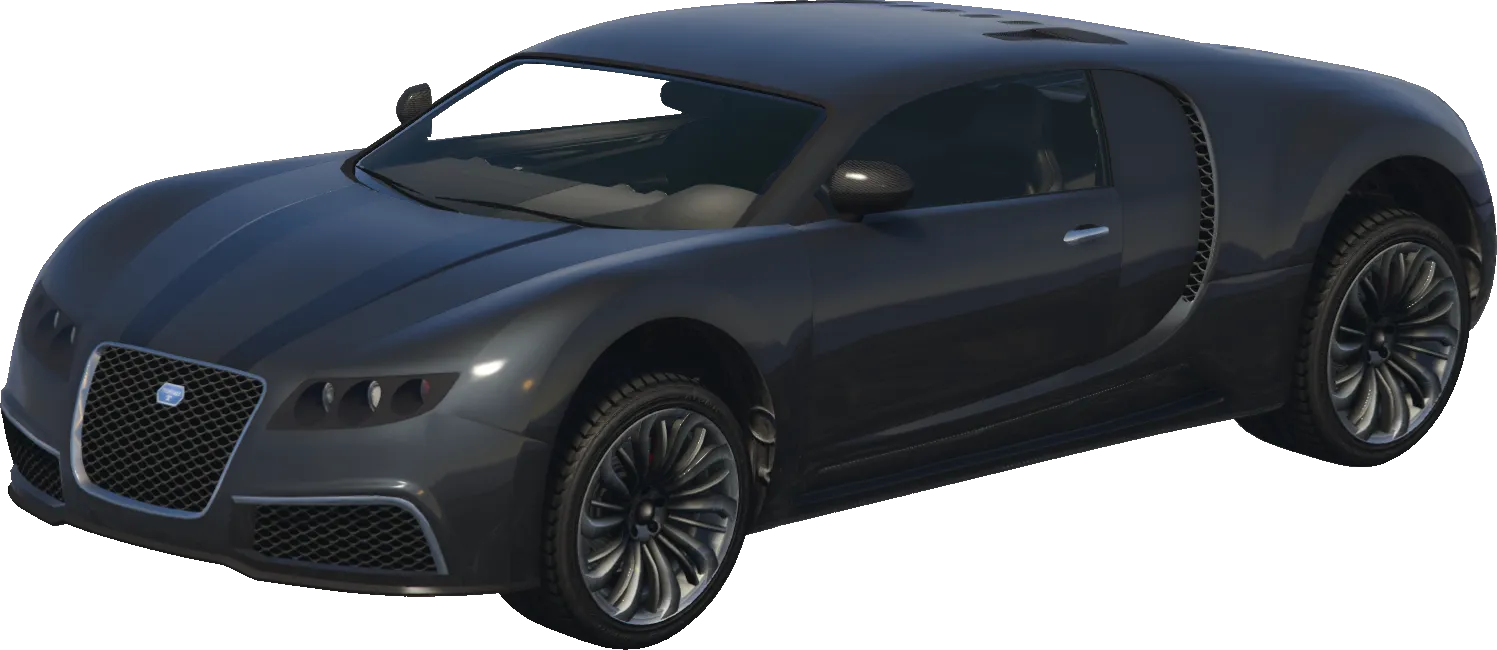
adder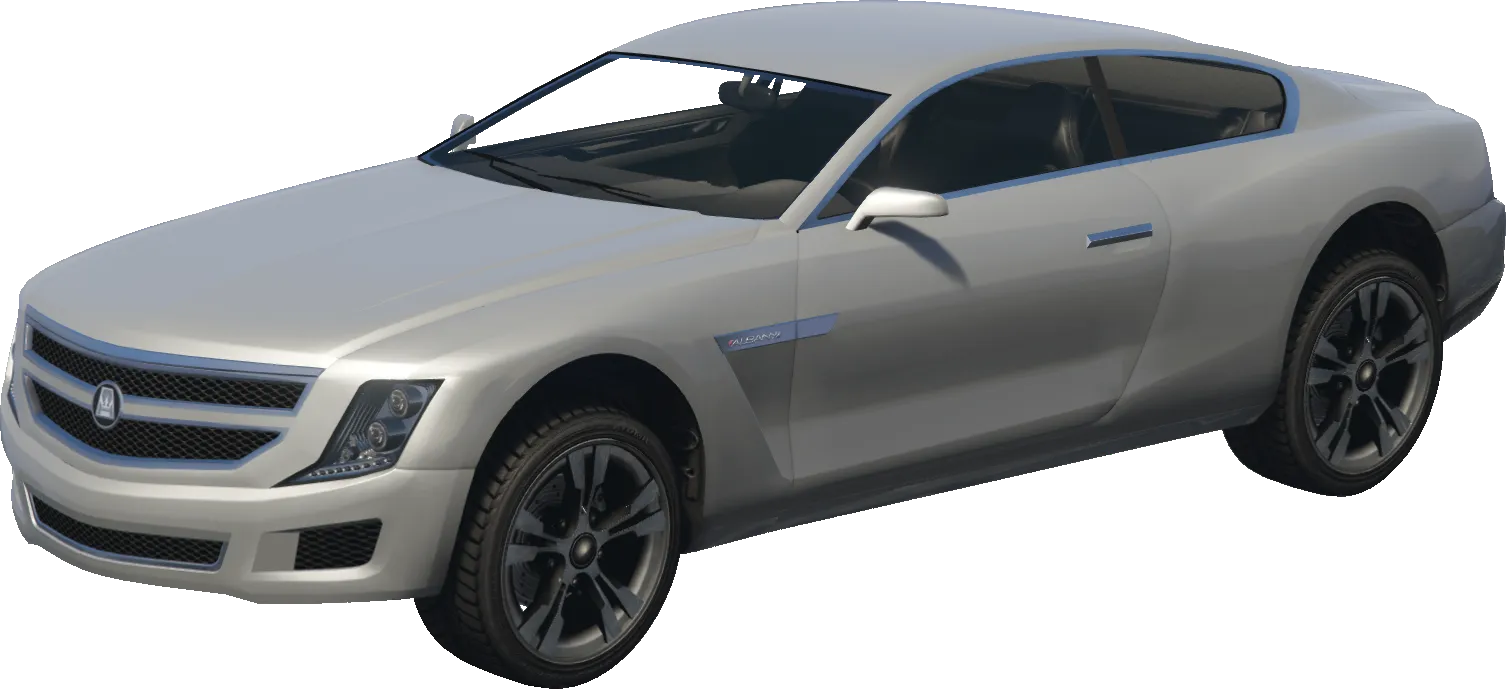
alpha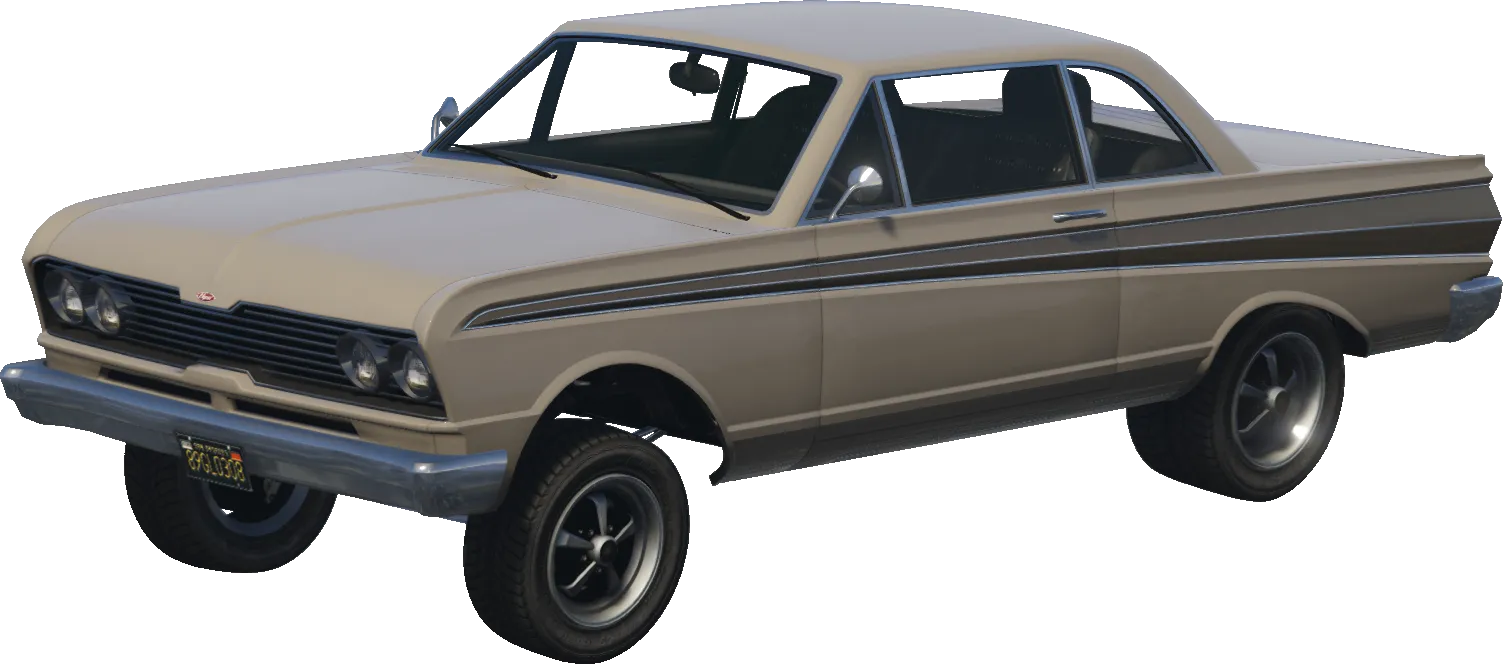
blade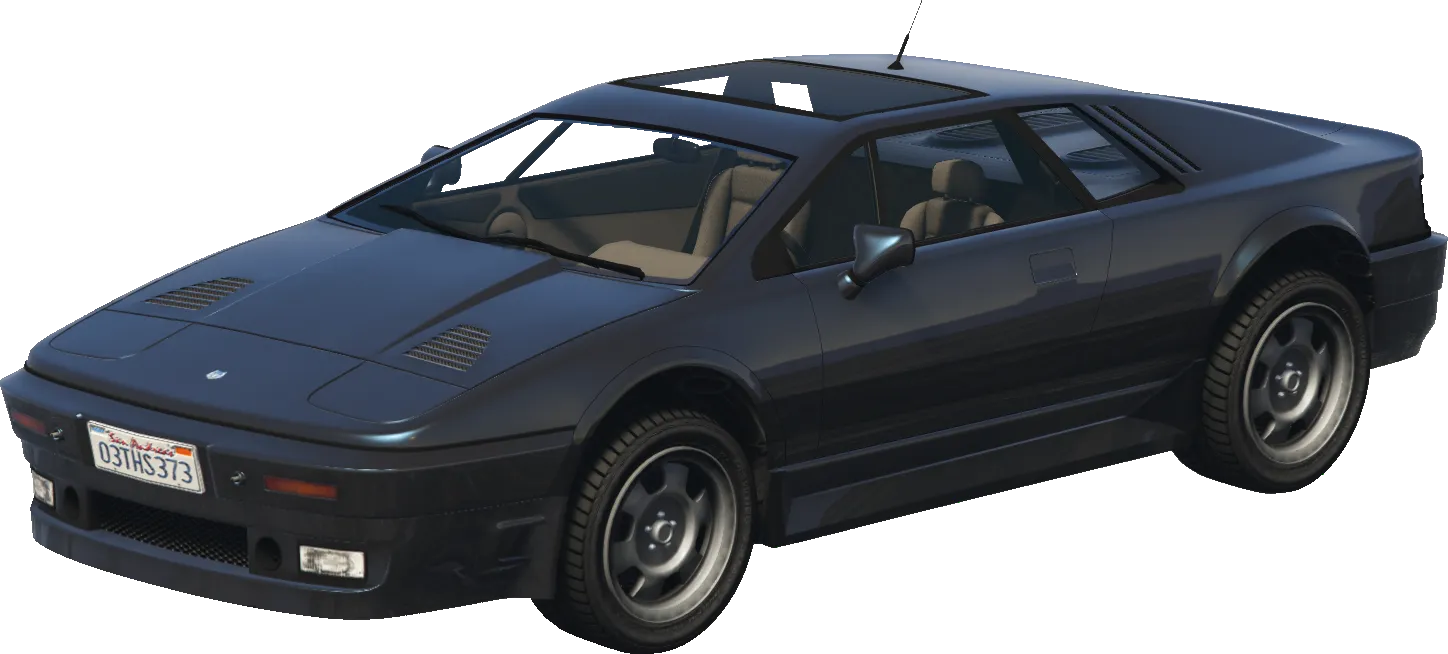
ardent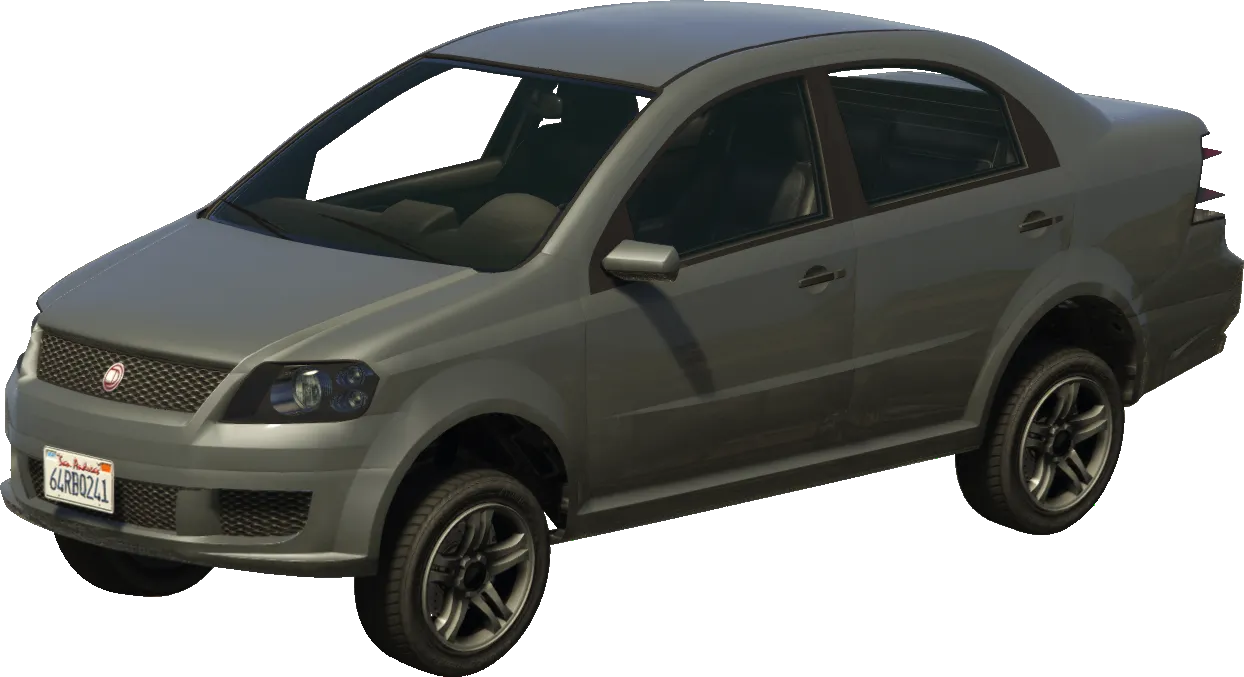
asea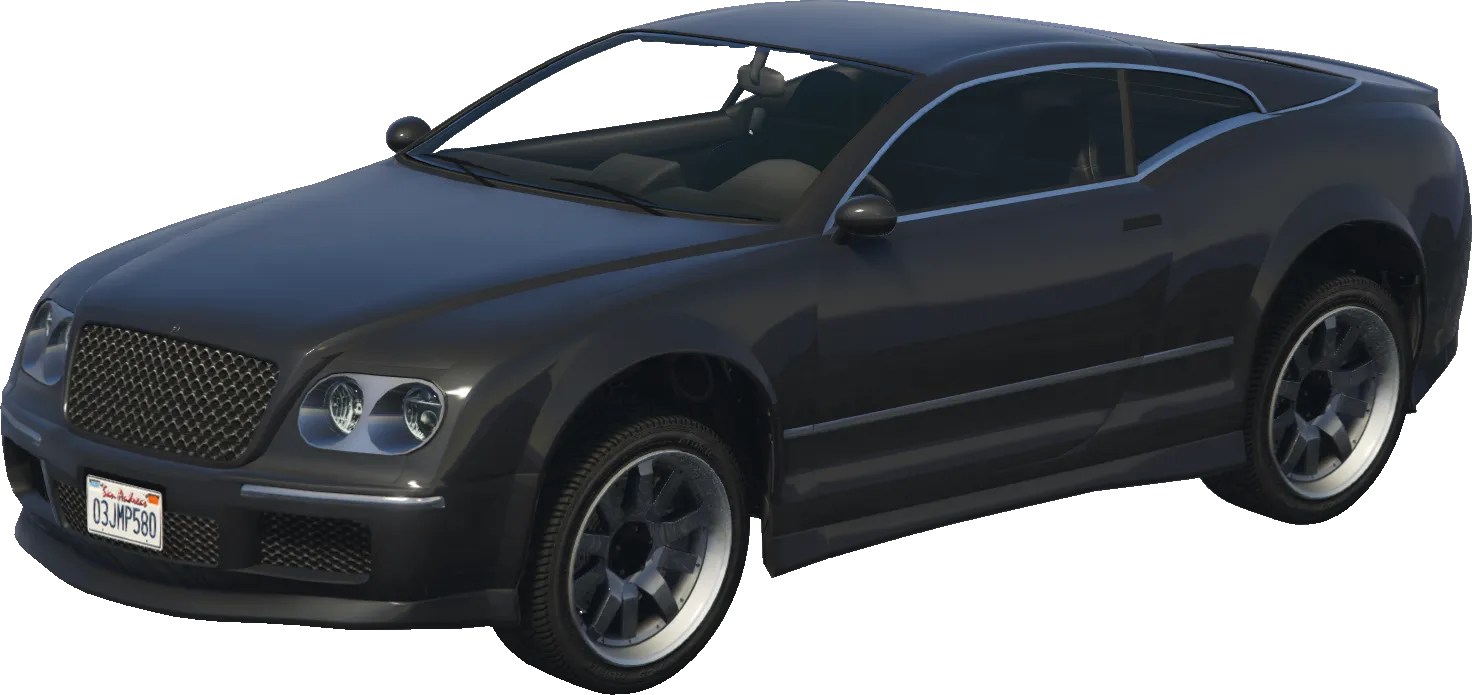
cogcabrio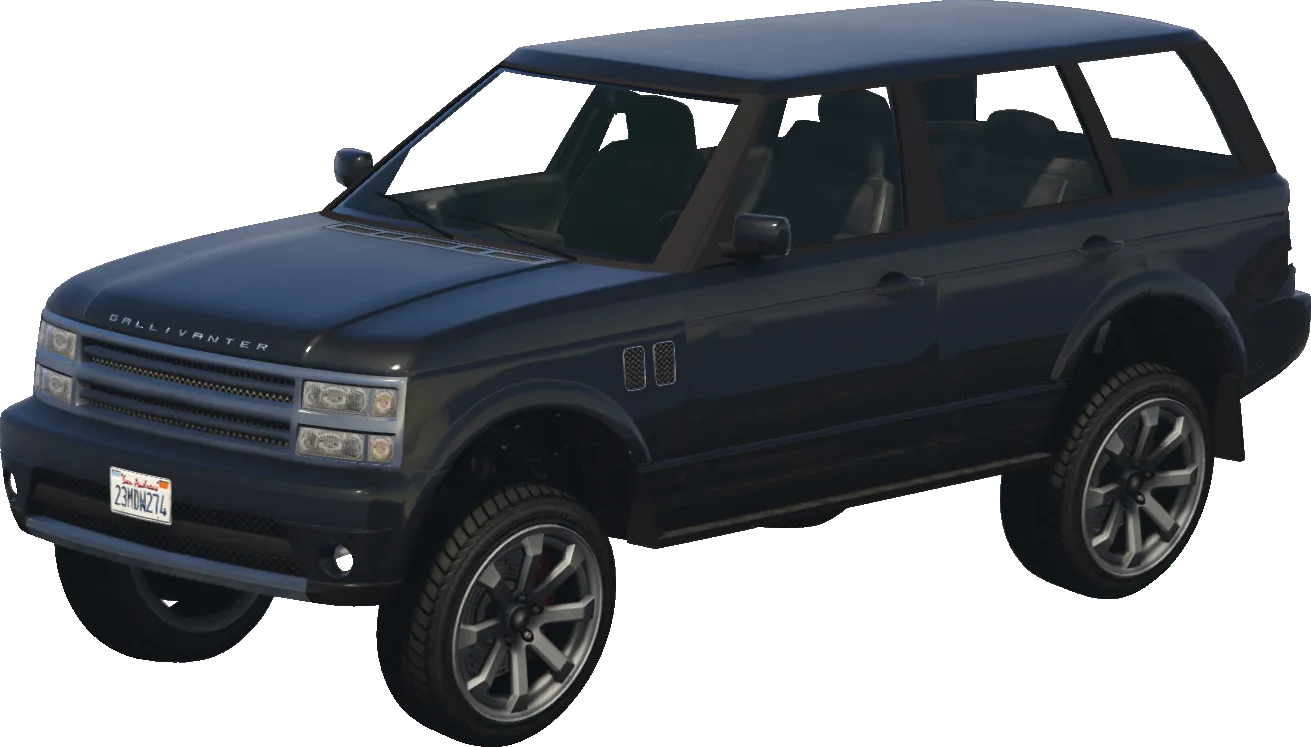
baller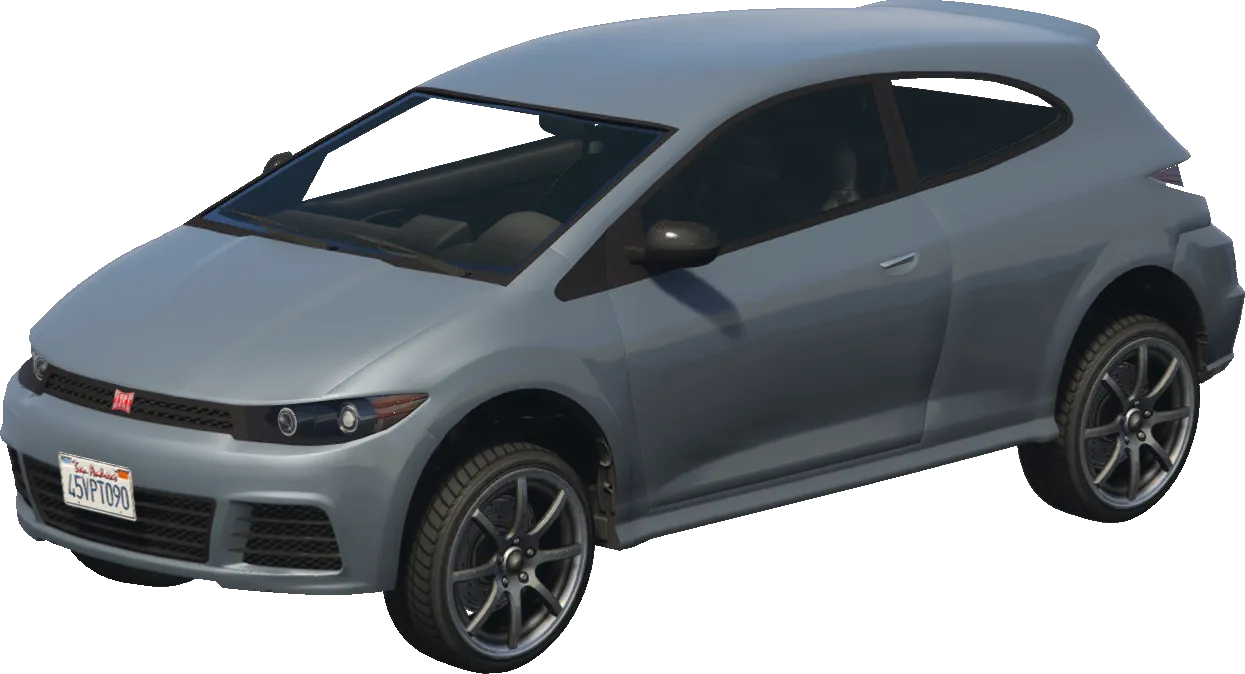
blistaReturns
voidThis native does not return a value.
Examples
Official
-- This example sets the area of interest (cargen) to the player's position with a radius of 100.0

-- Retrieve the player ped
local playerPed = PlayerPedId()

-- Retrieve the coordinates of the player.
local coords = GetEntityCoords(playerPed, false)

-- Set the area of interest to the player's position with a radius of 100.0
SetVehicleGeneratorAreaOfInterest(coords.x, coords.y, coords.z, 100.0)