
HardAttachCamToPedBone
DocsHardAttachCamToPedBone(cam, ped, boneIndex, xRot, yRot, zRot, xOffset, yOffset, zOffset, isRelative)Description
Introduced in build 1180
Attaches a camera to a specific bone of a Ped, including full matrix transformations for both rotation and position offsets.
This native works with peds only.
Parameters
| Name | Type | Description |
|---|---|---|
cam | Cam | The camera handle. |
ped | Ped | The ped handle. |
boneIndex | int | This is different to boneID, use [`GET_PED_BONE_INDEX`](#\_0x3F428D08BE5AAE31) to get the index from the ID. use the index for attaching to specific bones. `cam` will be attached to the center of `ped` if bone index given doesn't correspond to bone indexes for that entity type. |
xRot | float | X-axis rotation. |
yRot | float | Y-axis rotation. |
zRot | float | Z-axis rotation. |
xOffset | float | X-axis offset. |
yOffset | float | Y-axis offset. |
zOffset | float | Z-axis offset. |
isRelative | BOOL | Whether or not the camera position will be relative to the bone rotation. |
Quick Snippet: Get CoordinatesxRotyRotzRotxOffset
xRotyRotzRotxOffsetAdd this command to your client script to retrieve precise locations in-game.
-- Add this to your client.lua. Type /pos in-game to copy coords.
RegisterCommand('pos', function()
    local ped = PlayerPedId()
    local coords = GetEntityCoords(ped)
    local heading = GetEntityHeading(ped)
    local output = string.format("vector4(%.2f, %.2f, %.2f, %.2f)", coords.x, coords.y, coords.z, heading)

    print(output)
    TriggerEvent('chat:addMessage', { args = { '^4[COORD]^0', output } })
end)Quick Snippet: Get Ped Handleped
pedUse this to get the player ped handle for this native.
-- Get the player's ped handle (client-side)
local ped = PlayerPedId()
print("Ped handle: " .. ped)

-- For a specific player's ped (server-side):
-- local targetPed = GetPlayerPed(source)Quick Snippet: Scripted Cameracam
camUse this to create and control a scripted camera for this native.
-- Create a scripted camera at the player's position
local coords = GetEntityCoords(PlayerPedId())
local cam = CreateCam("DEFAULT_SCRIPTED_CAMERA", true)

SetCamCoord(cam, coords.x, coords.y, coords.z + 2.0)
SetCamRot(cam, -15.0, 0.0, GetEntityHeading(PlayerPedId()))
SetCamFov(cam, 70.0)
SetCamActive(cam, true)
RenderScriptCams(true, true, 500, true, true)

-- Restore gameplay camera:
-- RenderScriptCams(false, true, 500, true, true)
-- DestroyCam(cam, true)Ped Models
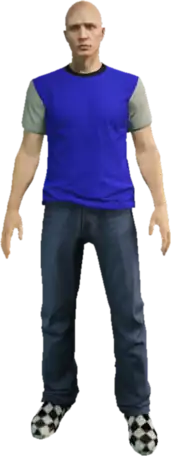
mp_m_freemode_01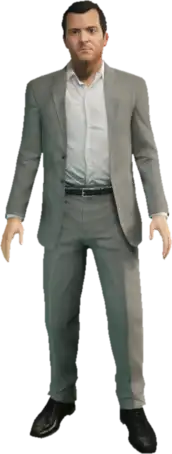
player_zero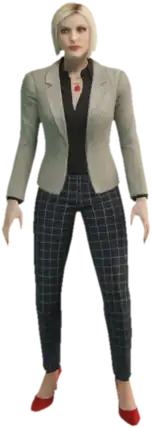
ig_agatha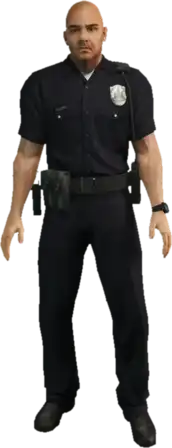
s_m_y_cop_01
s_m_m_gaffer_01
g_m_m_armboss_01
a_c_boar
a_m_m_bevhills_01Returns
voidThis native does not return a value.
Examples
Official
local ped = PlayerPedId()
local cam = CreateCam("DEFAULT_SCRIPTED_CAMERA", true)
local BONETAG_L_FINGER01 = 4089

-- attach it to a finger on the left hand and rotates it 90 degrees on the X-axis
HardAttachCamToPedBone(cam, ped, BONETAG_L_FINGER01, 90.0, 0.0, 0.0, 0.0, 0.0, 0.0, true)

-- renders the camera
RenderScriptCams(true, false, 0, true, true)