
GetVehicleNodeProperties
Docslocal retval, density, flags = GetVehicleNodeProperties(x, y, z)Description
Gets the density and flags of the closest node to the specified position.
Density is a value between 0 and 15, indicating how busy the road is.
enum eVehicleNodeProperties {
	OFF_ROAD = 1 << 0,
	ON_PLAYERS_ROAD =  1 << 1,
	NO_BIG_VEHICLES = 1 << 2,
	SWITCHED_OFF = 1 << 3,
	TUNNEL_OR_INTERIOR = 1 << 4,
	LEADS_TO_DEAD_END = 1 << 5,
	HIGHWAY = 1 << 6,
	JUNCTION = 1 << 7,
	TRAFFIC_LIGHT = 1 << 8,
	GIVE_WAY = 1 << 9,
	WATER = 1 << 10,
}
Parameters
| Name | Type | Description |
|---|---|---|
x | float | x position of search |
y | float | y position of search |
z | float | z position of search |
density | int* | The traffic density the current node will spawn in a range of 0-15. |
flags | int* | The vehicle node flags, see `eVehicleNodeProperties`. |
Quick Snippet: Get Coordinatesxyz
xyzAdd this command to your client script to retrieve precise locations in-game.
-- Add this to your client.lua. Type /pos in-game to copy coords.
RegisterCommand('pos', function()
    local ped = PlayerPedId()
    local coords = GetEntityCoords(ped)
    local heading = GetEntityHeading(ped)
    local output = string.format("vector4(%.2f, %.2f, %.2f, %.2f)", coords.x, coords.y, coords.z, heading)

    print(output)
    TriggerEvent('chat:addMessage', { args = { '^4[COORD]^0', output } })
end)Vehicle Models
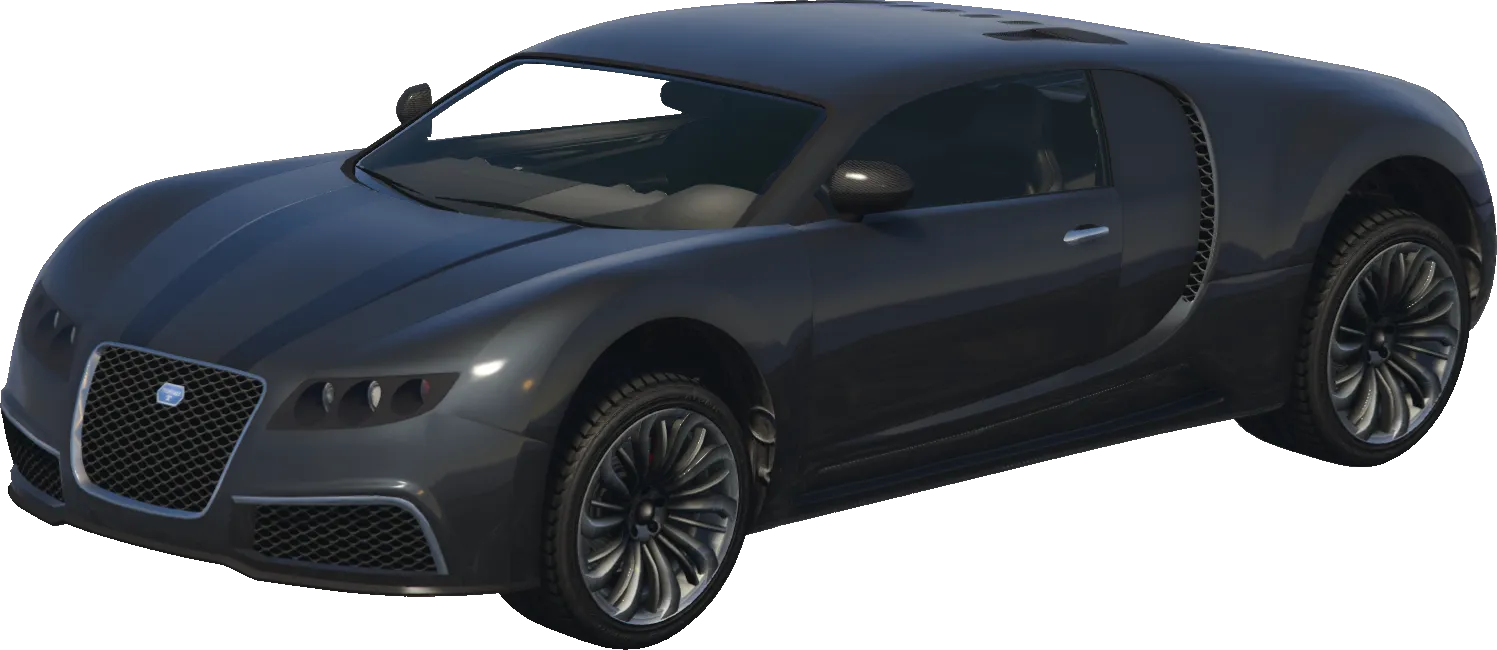
adder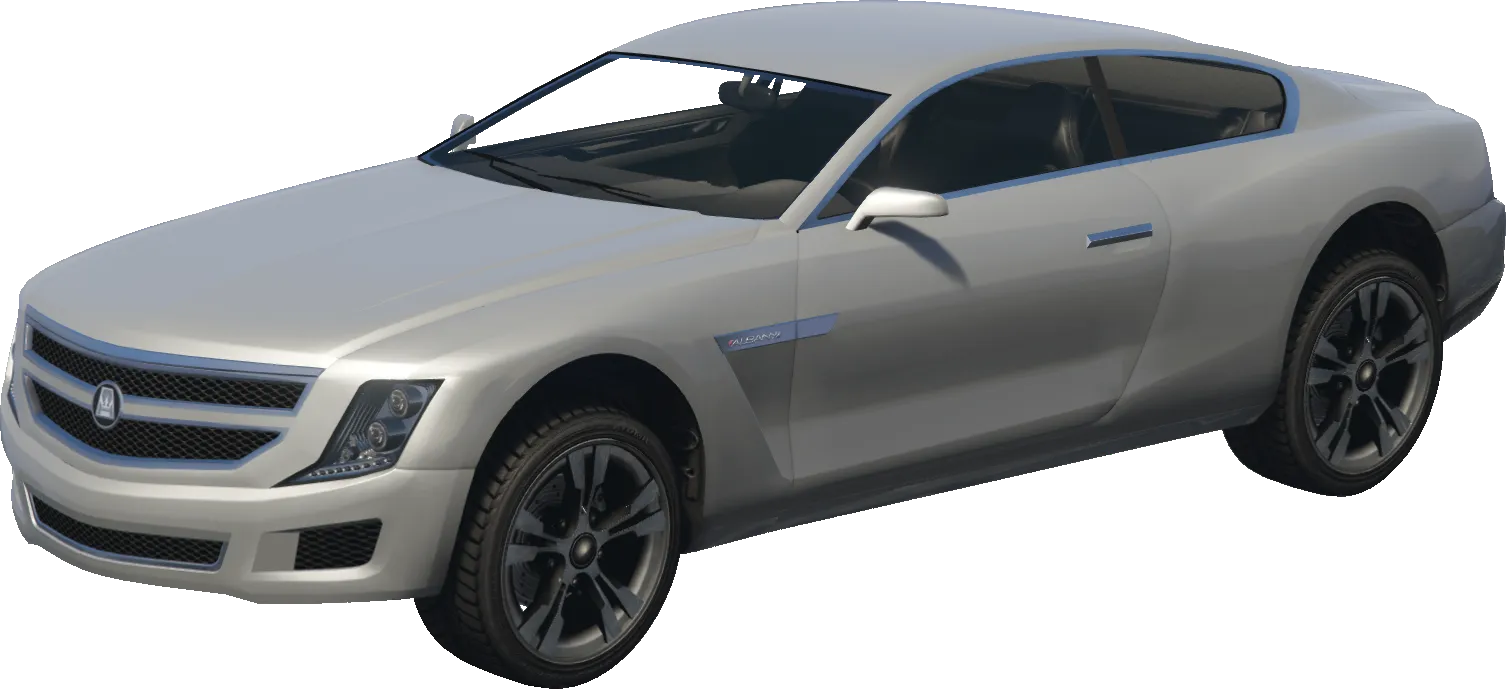
alpha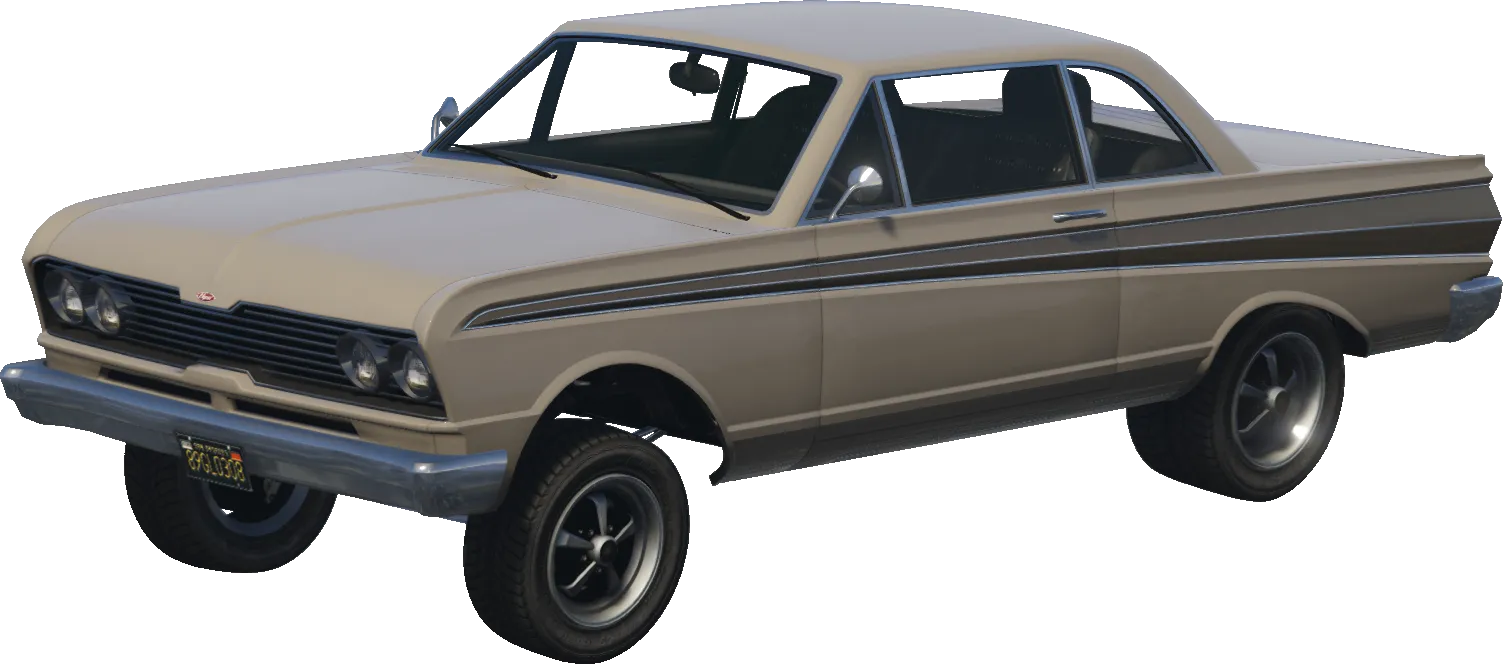
blade
ardent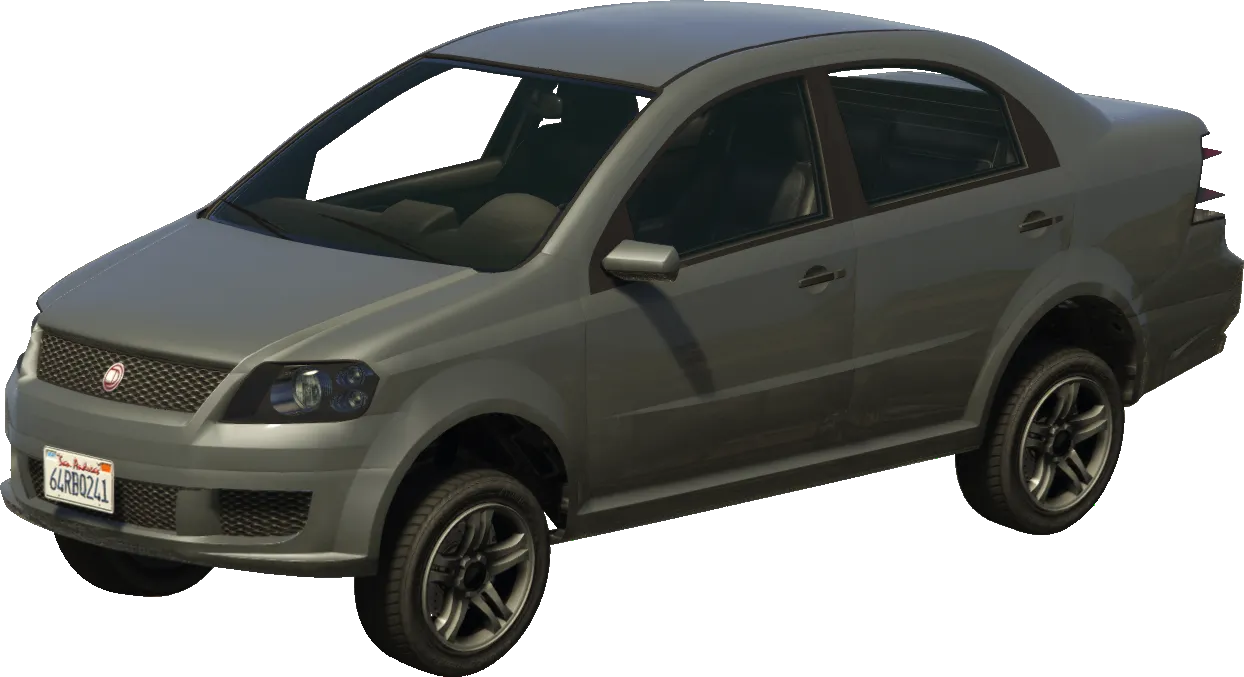
asea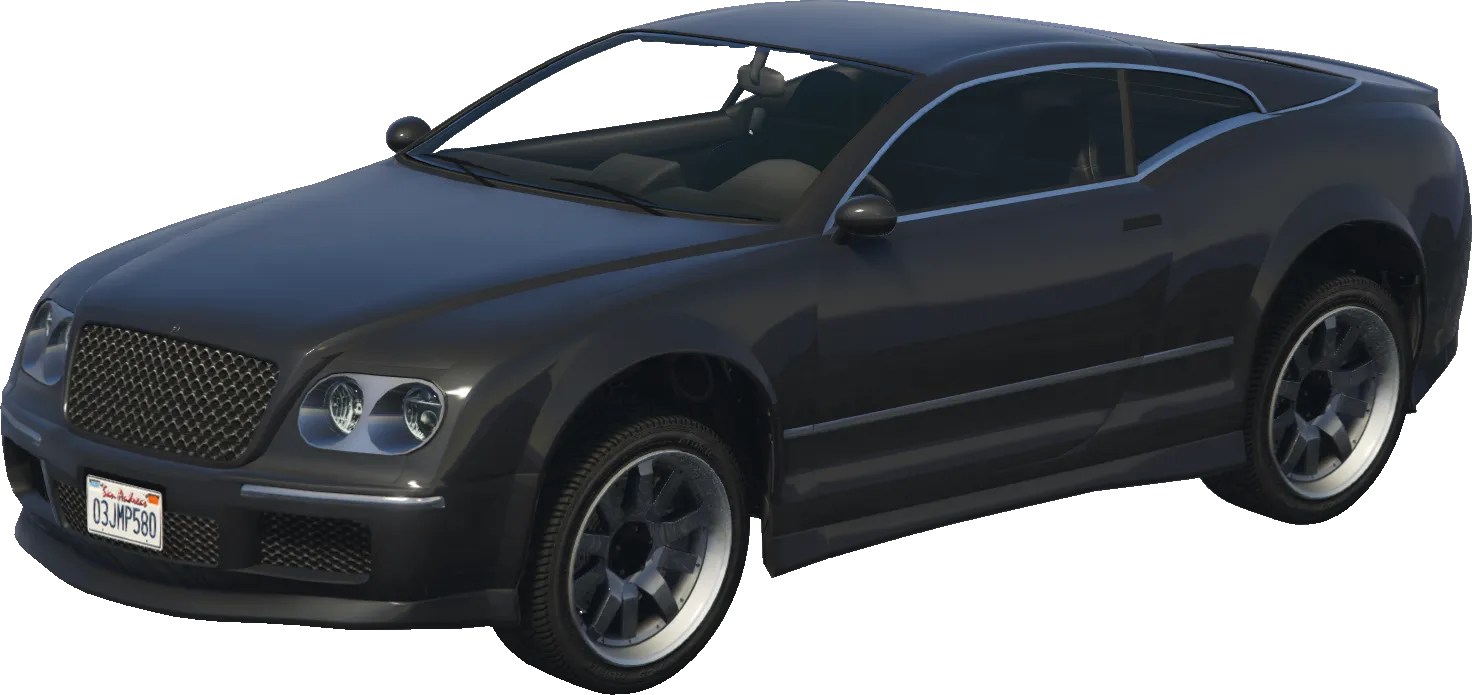
cogcabrio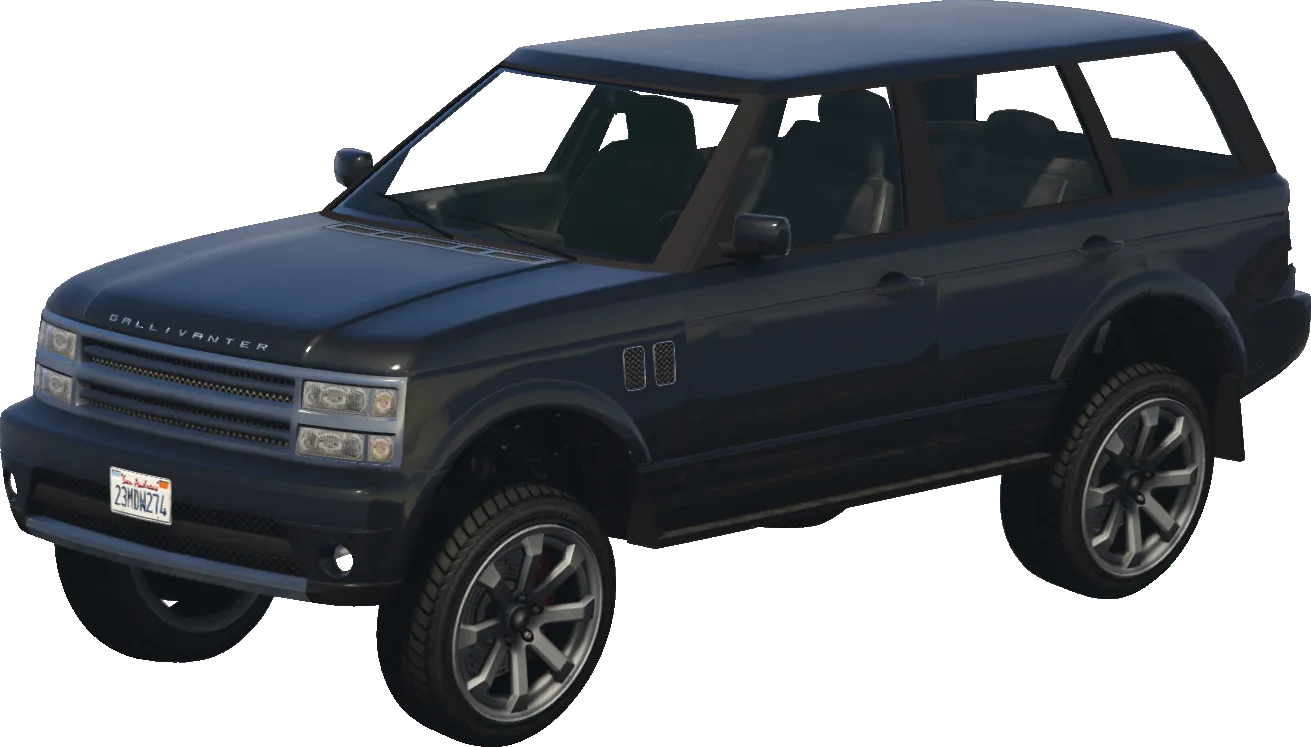
baller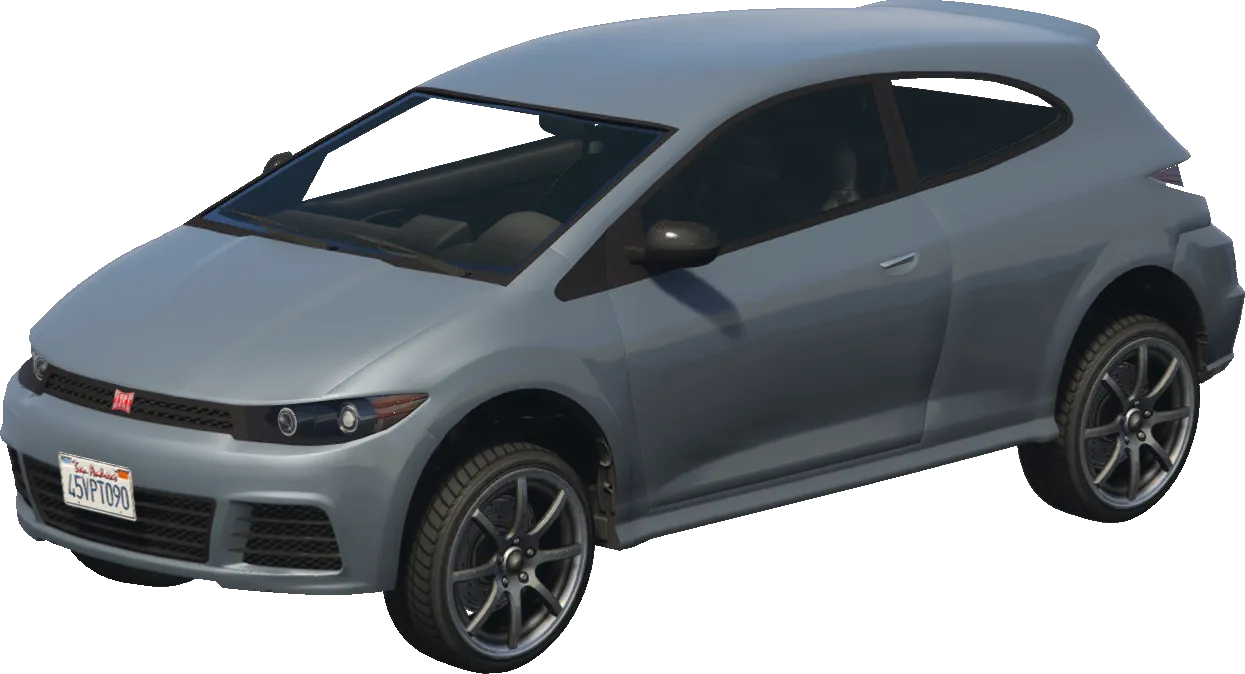
blistaReturns
BOOLReturns TRUE (1) or FALSE (0).