
CreateMissionTrain
Docslocal retval = CreateMissionTrain(variation, x, y, z, direction)Description
Train models must be requested before use. See trains.xml (located in Grand Theft Auto V\update\update.rpf\common\data\levels\gta5\trains.xml) for freight and metro variations.
Model names to request can be found by searching model_name in the file.
The Lua usage example provided down below has been provided in such way so users can test each and every train variation.
### Newly added parameters (seen in 2372 build)
NativeDB Added Parameter 6: BOOL isNetwork
NativeDB Added Parameter 7: BOOL netMissionEntity
isNetwork: Whether to create a network object for the train. If false, the train exists only locally.
netMissionEntity: Whether to register the train as pinned to the script host in the R\ network model.
### Train Models:
freight
### Carriage Models:
freightcar
freightcar2 (Added v2372)
freightcont1
freightcont2
freightgrain
metrotrain
tankercar
### Some train variations (default from trains.xml as of build 2372)
17. Very long train and freight variation.
18. Freight train only.
26. Double metro train (with both models flipped opposite to each other). This used to be 25 before the 2802 build, it also used to be 24 before the 2372 build.
Parameters
| Name | Type | Description |
|---|---|---|
variation | int | The variation id, these can range from 0 to 26 as of build 2802 (previously `0-25` in build 2372 and `0-24` before that). |
x | float | Spawn coordinate X component. |
y | float | Spawn coordinate Y component. |
z | float | Spawn coordinate Z component. |
direction | BOOL | The direction in which the train will go (true or false) |
Quick Snippet: Get Coordinatesxyz
xyzAdd this command to your client script to retrieve precise locations in-game.
-- Add this to your client.lua. Type /pos in-game to copy coords.
RegisterCommand('pos', function()
    local ped = PlayerPedId()
    local coords = GetEntityCoords(ped)
    local heading = GetEntityHeading(ped)
    local output = string.format("vector4(%.2f, %.2f, %.2f, %.2f)", coords.x, coords.y, coords.z, heading)

    print(output)
    TriggerEvent('chat:addMessage', { args = { '^4[COORD]^0', output } })
end)Quick Snippet: Get Vehicle→ Vehicle
→ VehicleUse this to get the current vehicle handle for this native.
-- Get the vehicle the player is currently in
local ped = PlayerPedId()
local vehicle = GetVehiclePedIsIn(ped, false)

if vehicle ~= 0 then
    print("Vehicle handle: " .. vehicle)
    print("Model: " .. GetEntityModel(vehicle))
else
    print("Player is not in a vehicle")
endVehicle Models

adder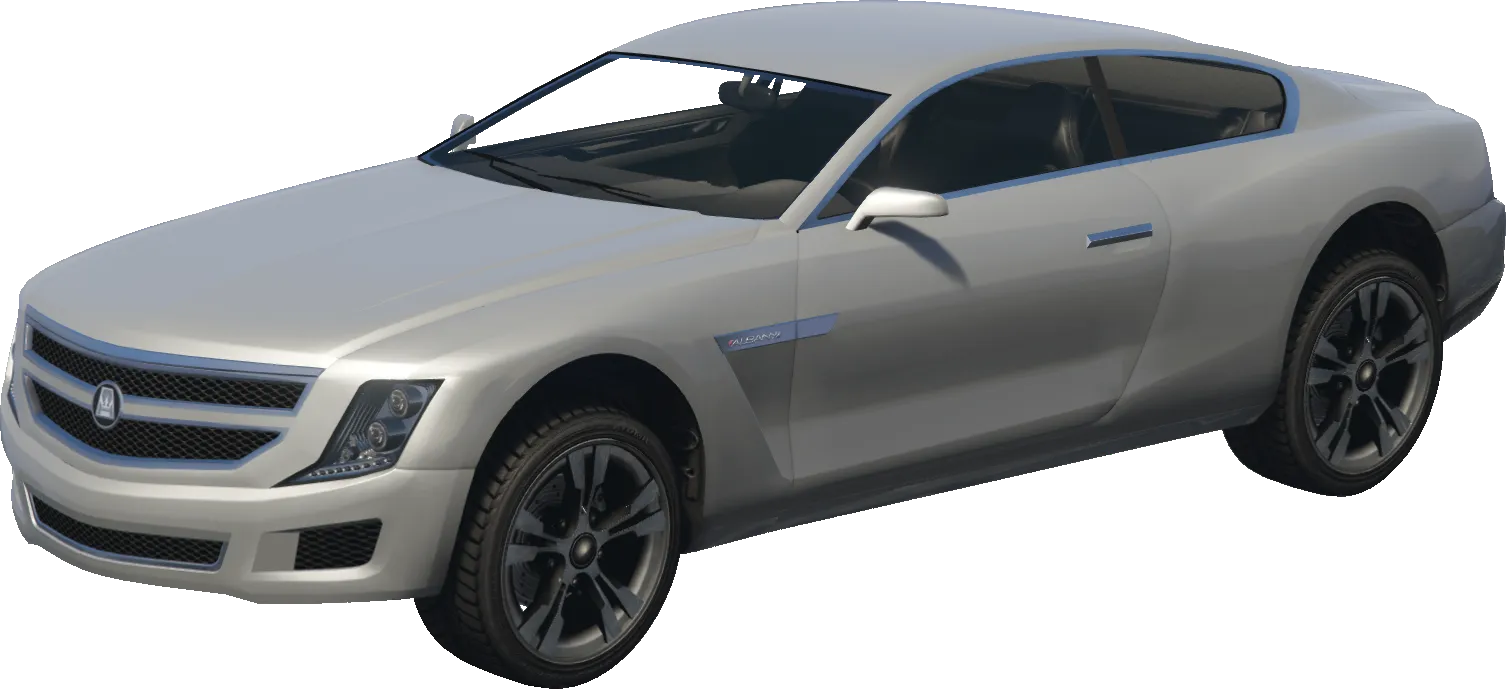
alpha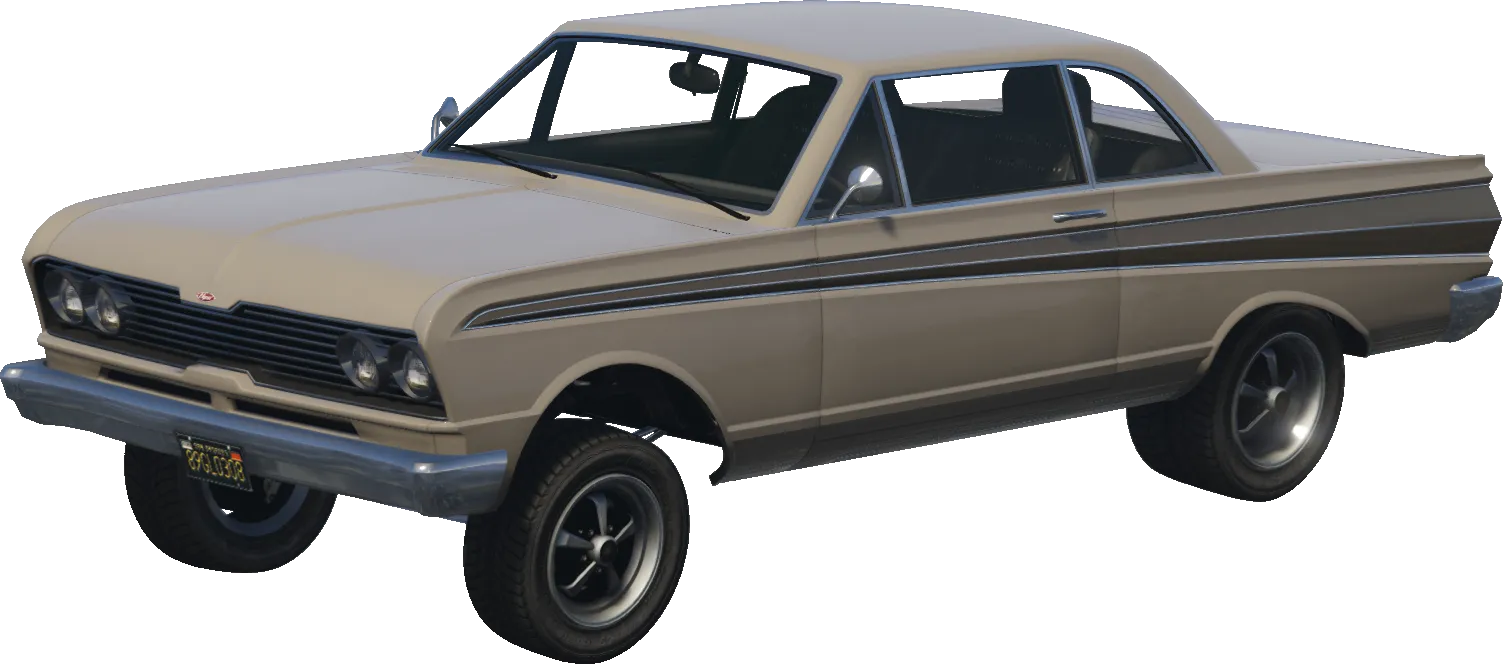
blade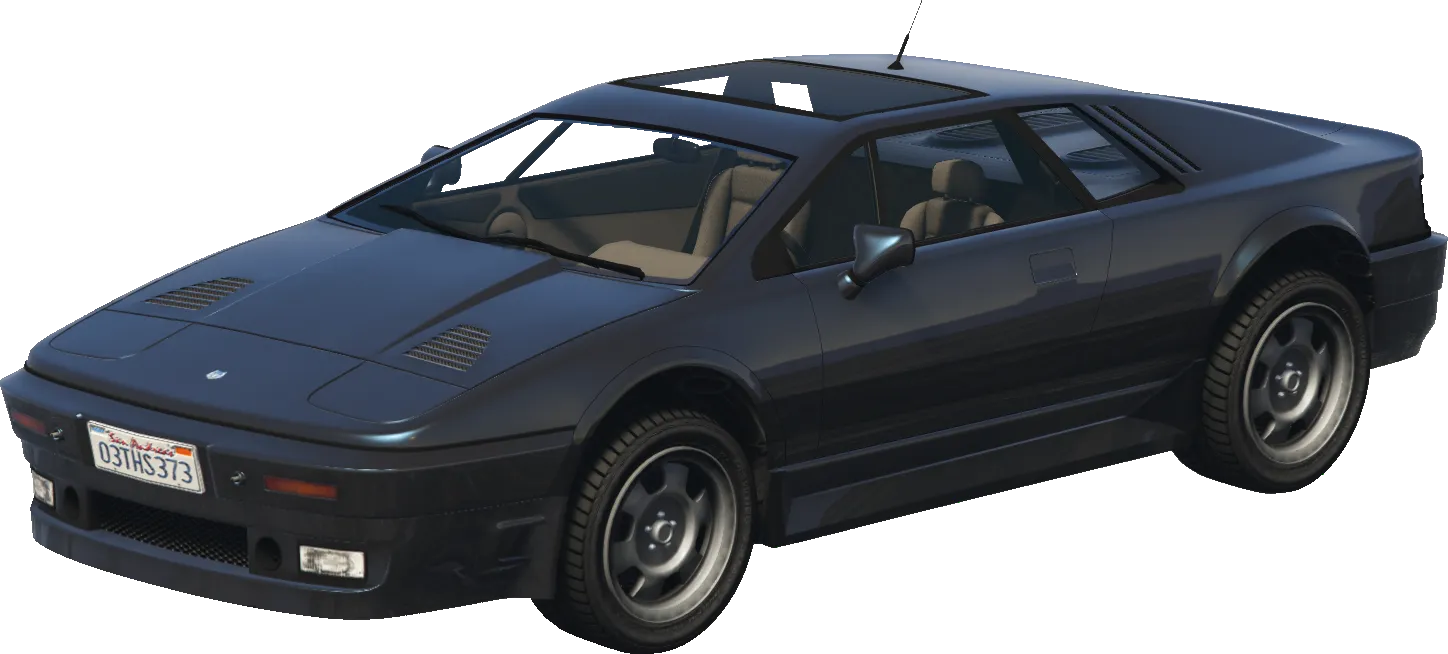
ardent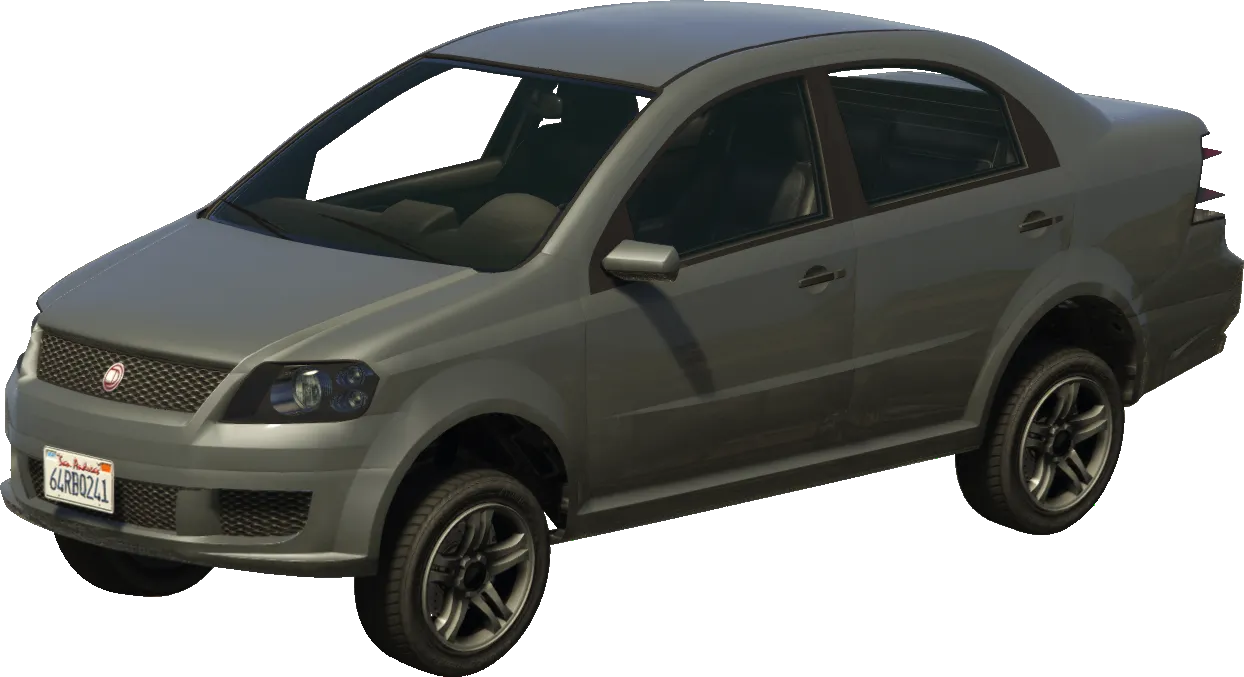
asea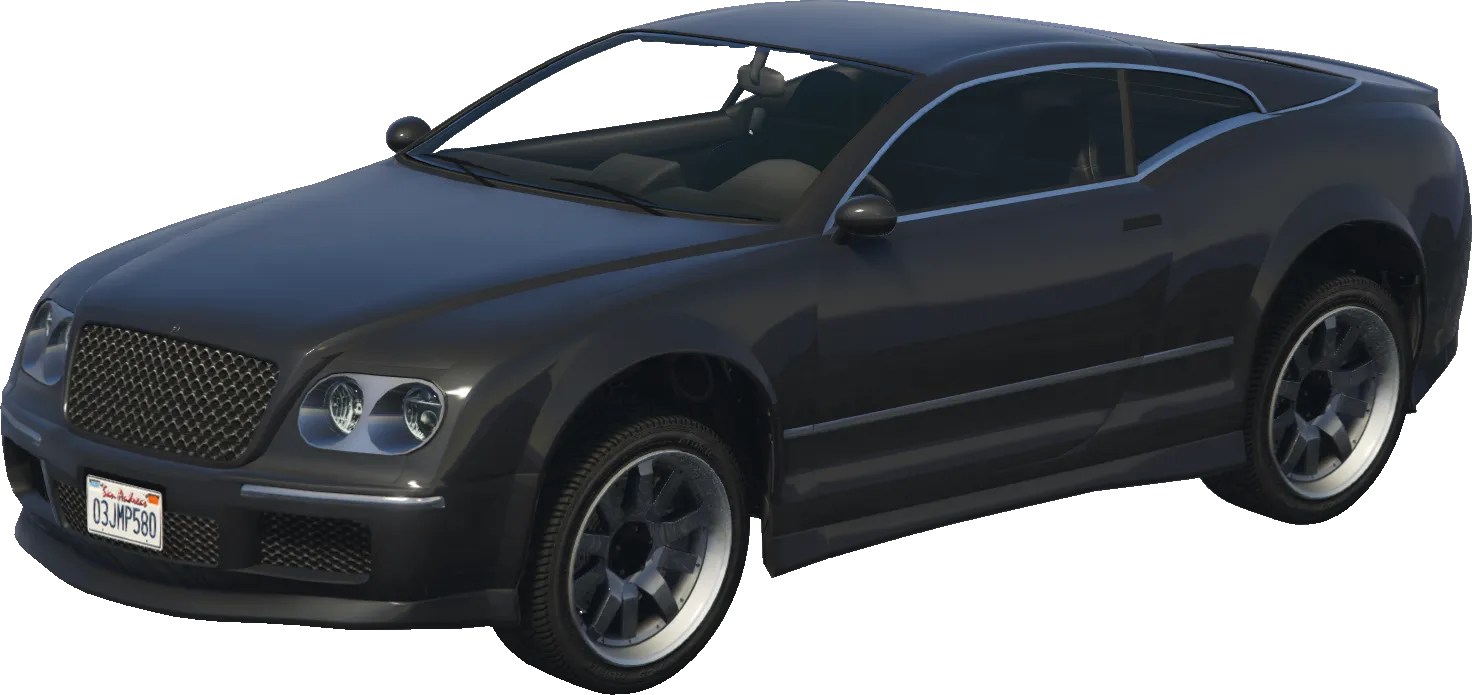
cogcabrio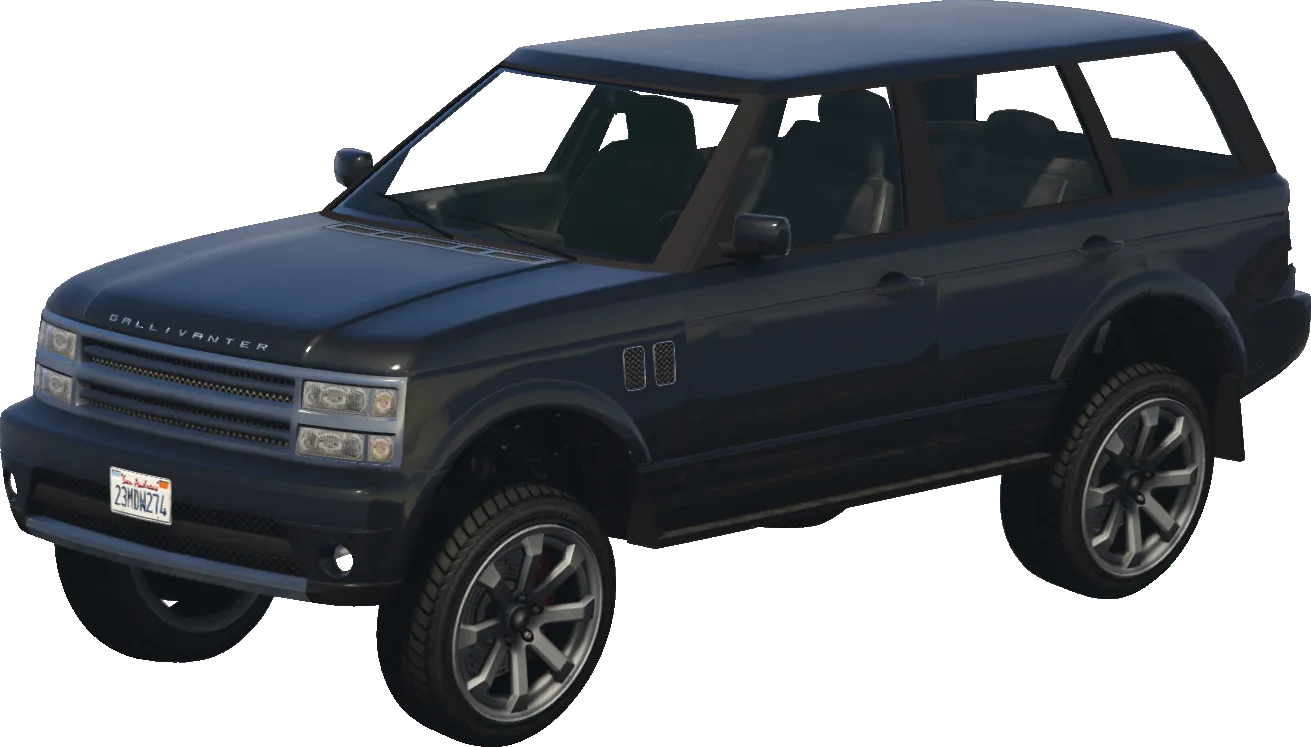
baller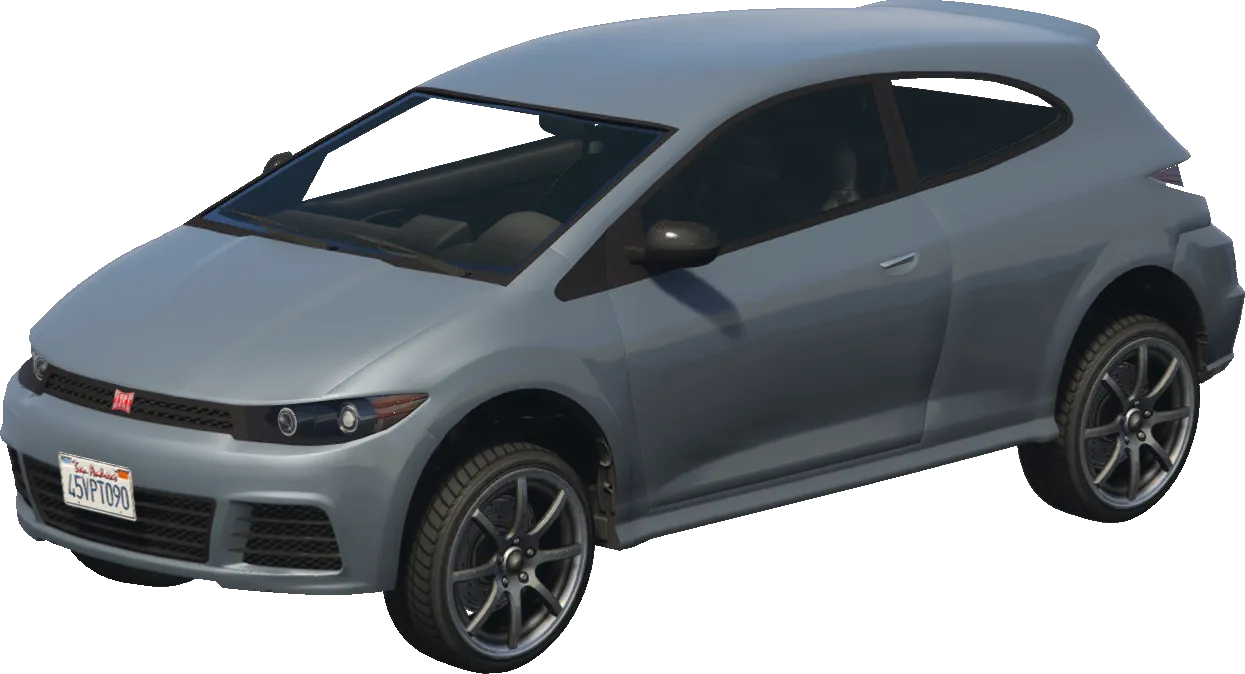
blistaReturns
VehicleReturns a vehicle handle.
Examples
--[[
    This function needs to be invoked prior to calling CreateMissionTrain  or the trains (as well as its carriages) won't spawn.
    Could also result in a game-crash when CreateMissionTrain is called without
    loading the train model needed for the variation before-hand.
]]
function loadTrainModels()
    local trainsAndCarriages = {
        'freight', 'metrotrain', 'freightcont1', 'freightcar',
        'freightcar2', 'freightcont2', 'tankercar', 'freightgrain'
    }

    for _, vehicleName in ipairs(trainsAndCarriages) do
        local modelHashKey = GetHashKey(vehicleName)
        RequestModel(modelHashKey) -- load the model
        -- wait for the model to load
        while not HasModelLoaded(modelHashKey) do
            Citizen.Wait(500)
        end
    end
end

loadTrainModels()

RegisterCommand("createtrain", function(source, args, rawCommand)
    if #args < 1 then
        TriggerEvent('chat:addMessage', {
            args = {
                'Error, provide a variation id, you can find those in trains.xml. Variations range from 0 to 26.'
            }
        })
        return
    end

    local playerCoords = GetEntityCoords(PlayerPedId())
     -- Now actually create a train using a variation
     -- These coordinates were used for testing: 1438.98, 6405.92, 34.19
    CreateMissionTrain(
        tonumber(args[1]),
        playerCoords.x, playerCoords.y, playerCoords.z,
        true,
        true,
        true
    )
end, false)